What it takes to run a model on your own machine
Why VRAM is the one number that decides whether a local LLM runs, what quantization really does to a model file, and the hardware ladder from an 8GB laptop to a 192GB workstation.
Running an LLM on your own machine comes down to one number, and almost everyone gets it wrong on the first try. It's VRAM. Get that right and the rest of the hardware question mostly answers itself.
This is post 3 of 7 in the AI Running series. Last post walked through the models you can actually download. This one is about the silicon they run on, and what each chip really does for inference.
What inference actually does
Inference is one thing, repeated millions of times: a forward pass through the model. The runtime takes your prompt, turns it into tokens, multiplies those tokens by every relevant weight matrix, and spits out probabilities for the next token. Then it does the whole thing again for the next one. And the next.
Two questions decide whether your machine can keep up:
- Can the weights even fit somewhere the chip can reach?
- How fast can that chip multiply matrices?
The first is a memory problem. The second is a compute problem. They don't live on the same chip.
CPU vs GPU vs NPU
A modern laptop has three things that can do math, and they are wildly different at the math an LLM needs.
- CPU. General-purpose, sequential, eight to sixteen cores. Brilliant at branching logic, hopeless at the bulk linear algebra inference is made of. CPU-only inference works (llama.cpp will happily do it), but you'll get 2-8 tokens per second on a 7B model. Fine for poking around, useless for real work.
- GPU. Thousands of small cores, all running the same operation across different data. That is exactly what matrix multiplication looks like. An RTX 4090 will push 100+ tok/s on a 7B model. The catch: the model has to fit in the GPU's own memory (VRAM), not the system RAM the CPU sees.
- NPU. A neural processing unit, baked into the SoC on phones, M-series Macs, and recent Snapdragon and Intel laptops. Tuned for power-efficient inference, not raw throughput. Great for small on-device models. Not the chip you'd point at a 70B local LLM.
For an LLM of any real size, you're running on the GPU. Everything else is a fallback.
VRAM is the hard ceiling
Here's the rule that catches everyone:
If the model file doesn't fit in VRAM, the GPU can't run it.
VRAM is the memory soldered to the GPU. On a discrete card it's separate from system RAM, and the two aren't interchangeable. An RTX 4090 has 24GB. An RTX 5090 has 32GB. An H100 has 80GB.
A model's VRAM bill at inference is roughly:
- Weights at FP16: parameters × 2 bytes.
- Weights at 4-bit: parameters × 0.5 bytes (plus a little overhead).
- KV cache: grows with context length and batch size.
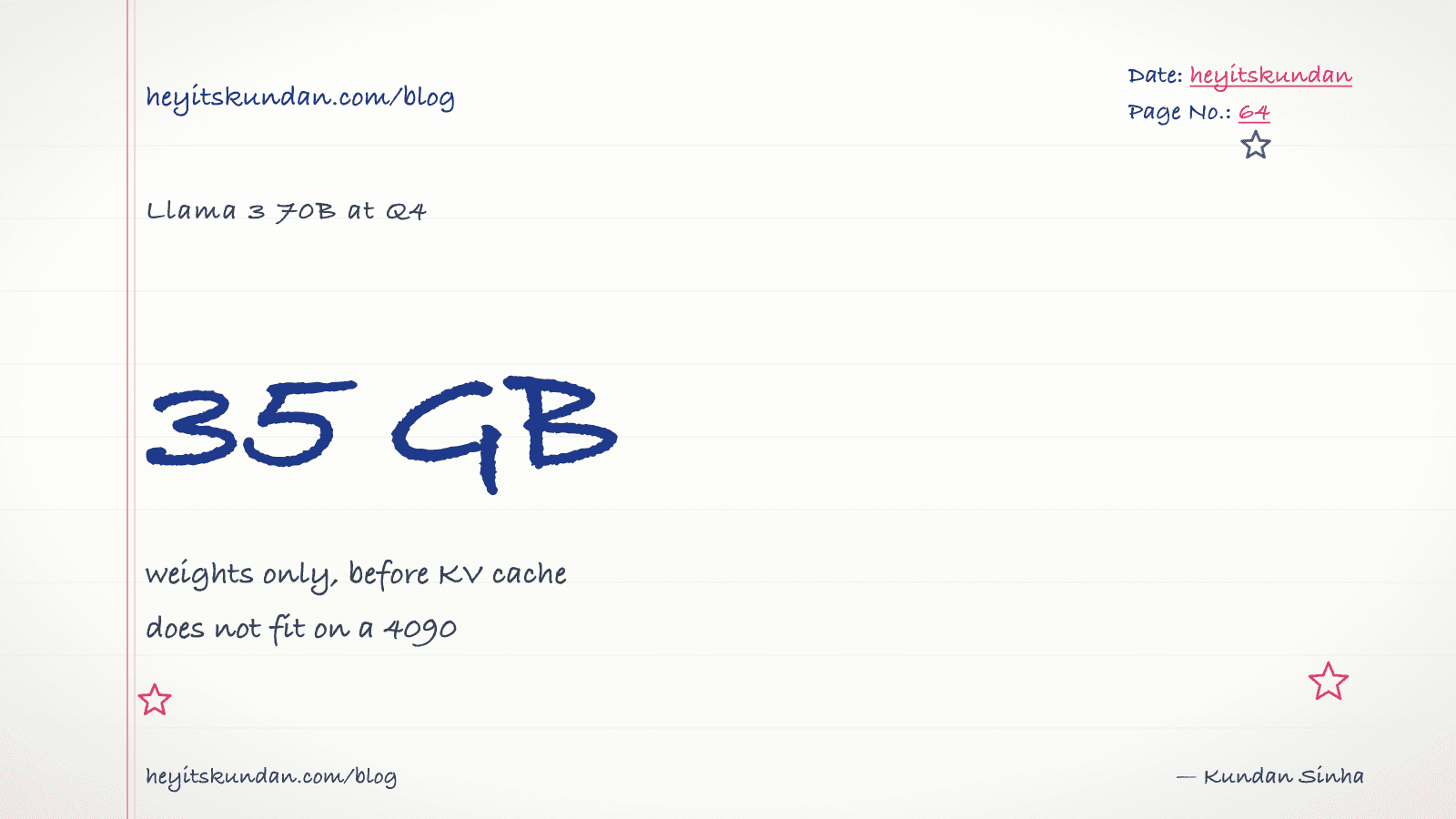
Worked example. Llama 3 70B at 4-bit quantization:
- Weights: 70B × 0.5 bytes = 35 GB.
- KV cache at 4K context: ~2 GB.
- Overhead: ~1 GB.
- Total: ~38 GB.
A 24GB 4090 can't run that. A 32GB 5090 can't run that. You need an H100, two 4090s with tensor parallelism, or a Mac with 64GB+ unified memory (more on that next post).
A 7B model at 4-bit needs about 4-6 GB. That fits everywhere.
The number that matters: parameters × bytes-per-param

If you remember one thing from this post, remember this table:
| Model size | FP16 (16-bit) | Q8 (8-bit) | Q4 (4-bit) |
|---|---|---|---|
| 7B | 14 GB | 7 GB | 4 GB |
| 13B | 26 GB | 13 GB | 7 GB |
| 32B | 64 GB | 32 GB | 16 GB |
| 70B | 140 GB | 70 GB | 35 GB |
| 405B | 810 GB | 405 GB | 200 GB |
Pick the row that matches the model. Pick the column that matches your VRAM ceiling. If the cell is bigger than your VRAM, that combination won't run.
It also shows why quantization is the main lever you've got.
Quantization, in plain words
Model weights start out stored at 16-bit (FP16) or 32-bit (FP32) floating point. Quantization squeezes each weight into fewer bits, 8-bit, 4-bit, even 3-bit or 2-bit. Same shape, less precision per number.
The trade-off:
- Q8 (8-bit). Almost indistinguishable from FP16. If you can fit Q8, take it.
- Q5 / Q4 (4-5 bit). The sweet spot for most local use. Quality loss is small and usually invisible in chat. This is what Ollama and LM Studio default to.
- Q3 / Q2. You'll feel it. The model gets fuzzier, especially on reasoning and code. Use only when you have to.
The format names you'll spot in filenames (Q4_K_M, Q5_K_S, and friends) come from llama.cpp's GGUF format. The K-quants are smarter than the legacy ones. Q4_K_M is the standard pick for "I want 4-bit and I want it good".
A 70B Q4_K_M model is around 40GB on disk and gives you output that's genuinely 95% of what the FP16 version would. That's a remarkable piece of engineering, and it's the only reason local LLMs are interesting to most people.
RAM still matters (a bit)
System RAM isn't the GPU's VRAM, but it does two jobs that touch inference:
- Loading. The model file streams from disk through system RAM into VRAM at startup. You want enough RAM that this doesn't become the bottleneck.
- CPU offload. If the model doesn't fully fit in VRAM, llama.cpp can park some layers on the CPU. It's slow (you're back to 2-10 tok/s on those layers), but it's the difference between running and not running at all.
For a discrete-GPU PC, 32GB system RAM is the practical floor and 64GB is comfortable. For Apple Silicon the unified-memory rules are different. That's the next post.
Disk and bandwidth
A 70B Q4 model is 40GB. Start collecting a few and you'll chew through SSD space fast. Plan for 200-500 GB if you're going to play around with the open-weights ecosystem.
NVMe matters for first-load speed. The model maps from disk into memory once, and after that the disk drops out of the hot path entirely.
A practical hardware ladder
Working budgets, mid-2026:
- Laptop with 8-16 GB unified memory or VRAM. 7B Q4 models. Drafts, autocomplete, light chat. Fine.
- 24 GB GPU (4090 / 5080). Up to 32B Q4 dense, or 70B Q2 with quality loss. Real work happens here.
- 32 GB GPU (5090) or 32-64 GB Mac. 32B Q8 or 70B Q4. The first rung where you're not constantly compromising.
- 64-128 GB Mac. 70B Q8 or 200B-class MoE at low quants. The serious solo-developer rig.
- Two 4090s, a single H100, or a Mac Studio M3 Ultra 192GB. Frontier territory. 405B-class dense or large MoE.
Past that you're buying servers, not workstations.
What this changes about model choice
Once you know your VRAM, you stop arguing about which model is "best" and start asking which model is best at the size you can actually run.
A 32B Qwen on a 4090 will out-reason a 7B Llama every time. A 70B Llama on a 64GB Mac will out-reason a 32B Qwen on a 4090. The chip decides what's available. The model decides what to do with it.
What's next
This post pretended discrete GPUs and unified-memory Macs play by the same rules. They mostly do. But Apple Silicon made one architectural choice that bends the VRAM ceiling far enough to earn its own post. That's next.
From the dictionary
Terms used in this post
Quick reference for the 18 terms you met above. Each one comes from the AI dictionary.
- Context WindowNLP
- The maximum number of tokens an LLM can take in for a single forward pass. Everything the model knows about your current conversation has to fit inside this window — anything outside is invisible.
- Edge AIAI
- Running model inference on the device the data is captured on (phone, camera, sensor) rather than sending it to a server. Models are usually quantized and under 500M parameters. Latency is 5-50ms because there is no network in the loop. Powers Face ID, on-device speech recognition, doorbell person detection.
- GGUFML
- GPT-Generated Unified Format. A single-file binary format for storing quantized model weights, tokenizer, and metadata. Used by llama.cpp, Ollama, and LM Studio. A 7B model in Q4 quantization is roughly 4GB; the same model in Q8 is roughly 8GB.
- GPUGeneral
- A chip built for massive parallel arithmetic. The reason deep learning took off in the 2010s — GPUs make matrix multiplication fast enough to train deep networks in days instead of years. Nvidia dominates the market.
- InferenceML
- Running a trained model on a new input to produce an output. A single forward pass through the network with frozen weights. Much cheaper than training, which is why every LLM API exists.
- llama.cppAI
- A C++ implementation of LLM inference designed to run quantized models on consumer hardware (CPU, CUDA, Metal, Vulkan). The de-facto local inference engine that Ollama and LM Studio both wrap. Supports GGUF format, has a built-in HTTP server, and is the reference for what local LLMs can actually do.
- Large Language ModelAI
- A deep-learning model trained on huge volumes of text to predict the next token given the previous ones. Scaling next-token prediction to billions of parameters yields the chat-like behaviour of ChatGPT, Claude, and Gemini. Capabilities are bounded by training data and the context window.
- e.g. Claude is an LLM — it reads your message as tokens and generates a response one token at a time.
- LM StudioAI
- A GUI app for running local LLMs, wrapping llama.cpp with a chat interface and a model browser. Easier than Ollama for non-CLI users; same underlying engine. Useful for quick model evaluation; less useful for scripting or production-style workflows.
- LossML
- A number that measures how wrong the models prediction is, compared to the truth. Training is the process of changing weights so this number goes down.
- ModelML
- In ML, a model is a file of learned numbers (parameters or weights) plus an architecture that tells the program how to use them. Loading a model means reading those numbers; running it means doing arithmetic with them.
- NPUGeneral
- Neural Processing Unit. A dedicated chip optimized for tensor operations at low power, used for on-device AI. Examples: Apple Neural Engine (iPhone, Mac), Qualcomm Hexagon (Android), Google Tensor. Optimized for tokens-per-watt rather than peak throughput.
- OllamaAI
- A wrapper around llama.cpp that makes running local LLMs a one-command operation. Pulls quantized GGUF models from a registry, exposes an HTTP API on localhost:11434, and handles model loading/unloading. The most common on-ramp to local inference in 2026.
- ParametersML
- The individual learned numbers inside a model. "7B parameters" means 7 billion of them. More parameters generally means more capacity, more memory needed, and slower inference.
- PromptNLP
- The text you send to an LLM. Includes any system prompt, conversation history, retrieved context, and your actual question. The prompt is the only thing you can change without retraining.
- QuantizationML
- Compressing model weights from 16-bit floats (FP16) to lower-precision integers (Q8, Q5, Q4) to reduce memory footprint and speed up inference. Q4 cuts size by ~4x with minor quality loss; Q2 saves more but degrades noticeably. The standard trick that makes 70B models fit on consumer hardware.
- TokenNLP
- The unit an LLM operates on — roughly a word or piece of one. English averages around 4 characters per token. Tokens are the unit of computation, the unit of API billing, and the unit the context window is measured in.
- VRAMGeneral
- Video RAM on a discrete GPU. The hard ceiling on which models you can run: an RTX 4090 has 24GB, an A100 has 40-80GB, an H100 has 80GB. A 70B Q4 model needs ~40GB just for weights, before activations and KV cache. On Apple Silicon, unified memory plays the same role.
- WeightsML
- The numbers inside a trained model. They start out random and get adjusted during training until they encode the patterns in the data. "Open weights" means the trained numbers are downloadable; it does not mean the training data or code is open.
Rate this article
How helpful did you find this?
- 01
Where AI actually runs: cloud, local, edge
March 16, 2026
- 02
The major LLMs in 2026
March 18, 2026
- 03
What it takes to run a model on your own machine
March 21, 2026
- 04
Why Apple Silicon punches above its weight on local LLMs
March 23, 2026
- 05
The runtimes: llama.cpp, Ollama, LM Studio
March 26, 2026
- 06
LLM API bills, and why a token costs what it costs
March 28, 2026
- 07
What leaves your machine when you use AI
March 31, 2026
Newsletter
Get new articles in your inbox
AI engineering, LLM systems, and software architecture — no filler.
No spam. Unsubscribe any time.
Discussion
Comments
Leave a note about the article, architecture choices, or what you would build next.
Loading comments...