Your first local LLM, start to finish
Install Ollama, pull Llama 3.2 3B, chat with it, hit its API, and fix the five things that break on a first install. You finish with a working local LLM.
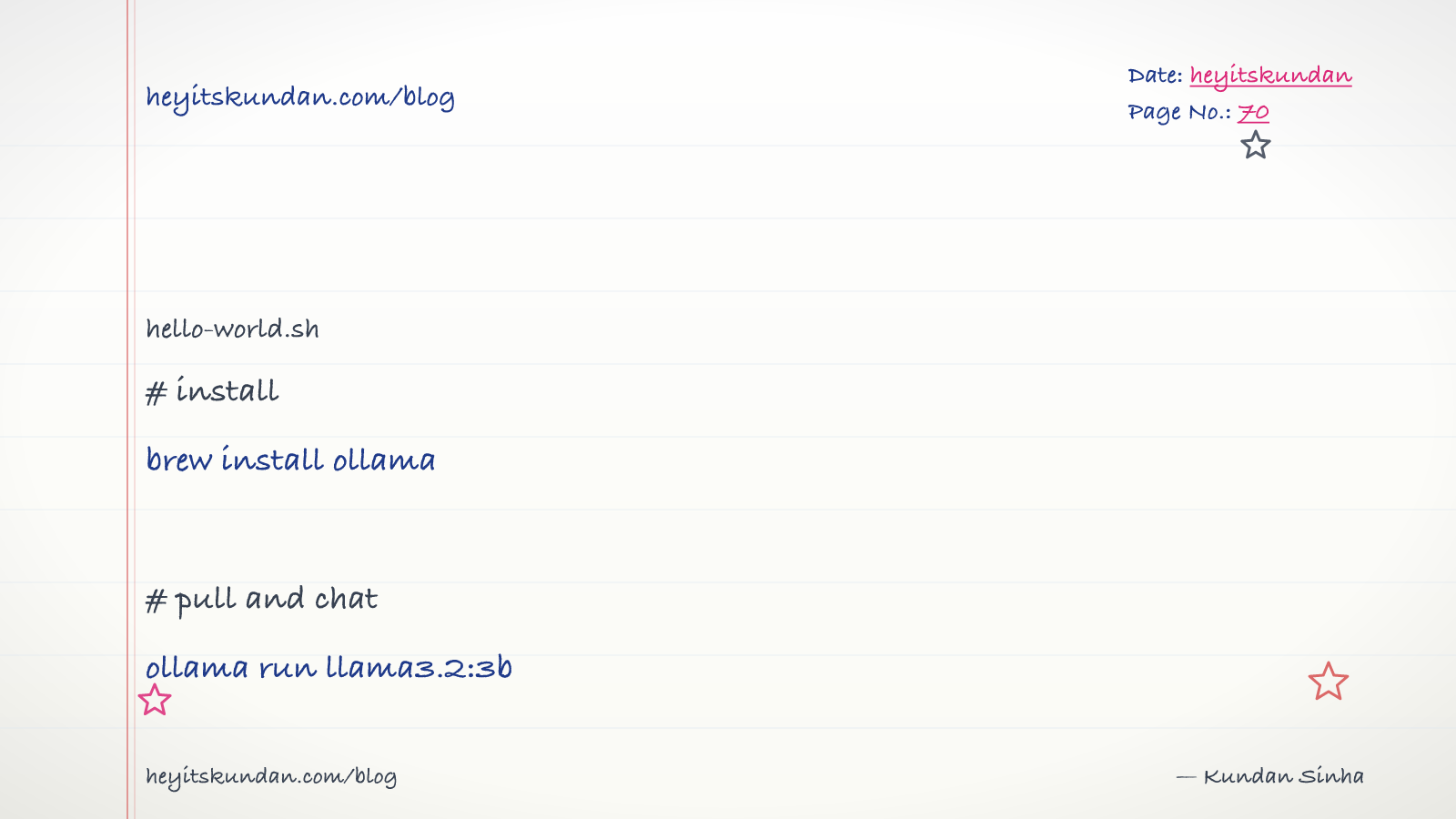
Three commands. One model. One chat. By the end of this you'll have a local LLM running on whatever machine you're sitting at, and nothing will have left it.
This is post 8 of 13 in the Local LLMs series. The theory is behind us. Now we build the muscle memory.
What you're installing

Two pieces, that's it.
- Ollama is the runtime. It wraps llama.cpp, downloads models for you, and exposes an OpenAI-compatible API on localhost. It runs as a background daemon, so it's just always there.
- Llama 3.2 3B Instruct is the model. About 2 GB on disk, runs on every hardware tier in this series, and it's a solid general-purpose chat model.
Want a different model down the line? You swap one filename. Everything else stays put.
Step 1: install Ollama
Grab the line for your OS.
# macos via homebrew

brew install ollama
# linux (auto-detects gpu)

curl -fsSL https://ollama.com/install.sh | sh
On Windows, download the installer from ollama.com/download and run it. It registers Ollama as a Windows service that starts at boot.
Now Ollama is running as a background service no matter your OS. The CLI talks to it. You don't start anything yourself.
Check it landed:
# check the version

ollama --version
A version number means you're done installing.
Step 2: pull and run a model
This one command does two jobs. It downloads the model if you don't have it, then drops you straight into a chat.
# pull and chat

ollama run llama3.2:3b
The first time, you'll watch the download tick by (around 2 GB, so 5-15 minutes on typical broadband). Every run after that starts instantly, because the model's already on disk.
When you see >>> , the prompt indicator, you're talking to a local model. Try it:
>>> what is the capital of australia?
You should get back something like "Canberra is the capital of Australia." inside a second.
Type /bye or hit Ctrl-D to leave. The model stays loaded in memory for a few minutes after you exit, so your next ollama run is quick. After that it unloads and reloads on next use.
Step 3: the API
You can also reach Ollama over HTTP. This is how everything that integrates with it works, the VS Code plugins, the web UIs, your own scripts.
Open a separate terminal, with no ollama run going:
# generate a one-shot completion via http api

curl http://localhost:11434/api/generate -d '{"model":"llama3.2:3b","prompt":"why is the sky blue?","stream":false}'
Back comes a JSON response with the answer in the response field. Set stream: true if you want it token-by-token.
Ollama also serves an OpenAI-compatible endpoint, which is the one most existing tools expect:
# the openai-compatible chat endpoint

curl http://localhost:11434/v1/chat/completions \
  -H "Content-Type: application/json" \
  -d '{
    "model": "llama3.2:3b",
    "messages": [{"role": "user", "content": "Hello"}]
  }'
Anything built for the OpenAI API can point at Ollama instead. Just change the base URL to http://localhost:11434/v1. The response format is the same.
Step 4: a handful of commands worth knowing
These are the Ollama CLI commands you'll reach for in practice.
# list models you have on disk

ollama list
# remove a model to free disk space

ollama rm llama3.2:3b
# show details about a model

ollama show llama3.2:3b
# stop the daemon (rare, mostly for upgrades)

ollama stop
When it breaks, here's why
Five things go wrong on a first install. Roughly in the order you'll hit them:
"Error: model 'llama3.2:3b' not found, try pulling it first." You ran ollama show or something like it before pulling. Just run ollama run llama3.2:3b and it'll pull.
"Error: Ollama daemon not running" / connection refused. The background service never started. On macOS, brew services start ollama. On Linux, sudo systemctl start ollama. On Windows it should auto-start, so check Task Manager for the Ollama process.
Output crawls, looks like it's on the CPU instead of the GPU. Run ollama ps. It should say "100% GPU" or "100% Metal" next to the running model. If it says CPU, your GPU isn't being picked up. On Windows or Linux, update your NVIDIA driver and reboot. On Apple Silicon, this shouldn't happen at all.
Out of memory, or "model is too big for your GPU." Drop to a smaller model or a smaller quant. Try llama3.2:1b (about 1 GB) instead of 3b. Or wait for the next hardware tier. The memory math from post 7 is your guide here.
Gibberish, or output that stops mid-word. Usually a chat-template mismatch. Rare with Ollama's curated models, common when you sideload custom GGUFs. For your first month, stick to models you ollama pull'd.
Now point it at real work
The stack works. The real question is whether it does anything useful. Pick one of these today:
- Draft a commit message.
git diff | ollama run llama3.2:3b "summarize this diff as a one-line commit message". Pipe a real diff in. - Summarize a doc.
cat README.md | ollama run llama3.2:3b "summarize in three bullets". - Write a regex.
ollama run llama3.2:3b "write a regex that matches Indian PAN numbers (5 letters, 4 digits, 1 letter)".
Get any one of those working end to end and it's a real moment. You're using AI with nothing leaving your machine, no rate limits, no API key.
Where the model actually lives
Ollama keeps models here:
- macOS / Linux:
~/.ollama/models/ - Windows:
%LOCALAPPDATA%\Ollama\models\
Each model is a few big files: the GGUF blob plus a manifest. When your disk fills up, this is the first place to look. du -sh ~/.ollama/models/* lists them by size.
Two switches worth flipping
A couple of environment variables make Ollama nicer to live with.
OLLAMA_KV_CACHE_TYPE=q8_0turns on the Q8 KV cache (post 4). It roughly halves memory at long contexts. I'd turn this on for everyone.OLLAMA_NUM_PARALLEL=2handles 2 requests at once instead of queuing them. Handy when a chat UI and your scripts are both hitting the model.
Drop these in your shell profile (~/.zshrc or ~/.bashrc) and every future Ollama run picks them up.
What's next
You've got a working local LLM. Next post is about wiring it into your actual day: VS Code plugins (Continue, Cline), web UIs (Open WebUI, LibreChat), and the OpenAI-API-swap trick that lets the AI tools you already use point at your local stack instead.
From the dictionary
Terms used in this post
Quick reference for the 11 terms you met above. Each one comes from the AI dictionary.
- Artificial IntelligenceAI
- Umbrella term for software that performs tasks usually associated with human reasoning — language, perception, decision-making. Coined at the 1956 Dartmouth Summer Research Project. In everyday 2026 use, "AI" almost always means a large language model like ChatGPT, Claude, or Gemini, even though the textbook definition is much broader.
- e.g. When a product page says "AI-powered", it could mean a 70-billion-parameter LLM or a hand-written if-statement. The label moves with the times.
- APIGeneral
- Application Programming Interface. In LLM context: the HTTP endpoint a hosted model exposes (api.openai.com, api.anthropic.com). You send JSON, you get tokens back. The cloud-inference contract.
- GGUFML
- GPT-Generated Unified Format. A single-file binary format for storing quantized model weights, tokenizer, and metadata. Used by llama.cpp, Ollama, and LM Studio. A 7B model in Q4 quantization is roughly 4GB; the same model in Q8 is roughly 8GB.
- GPUGeneral
- A chip built for massive parallel arithmetic. The reason deep learning took off in the 2010s — GPUs make matrix multiplication fast enough to train deep networks in days instead of years. Nvidia dominates the market.
- llama.cppAI
- A C++ implementation of LLM inference designed to run quantized models on consumer hardware (CPU, CUDA, Metal, Vulkan). The de-facto local inference engine that Ollama and LM Studio both wrap. Supports GGUF format, has a built-in HTTP server, and is the reference for what local LLMs can actually do.
- Large Language ModelAI
- A deep-learning model trained on huge volumes of text to predict the next token given the previous ones. Scaling next-token prediction to billions of parameters yields the chat-like behaviour of ChatGPT, Claude, and Gemini. Capabilities are bounded by training data and the context window.
- e.g. Claude is an LLM — it reads your message as tokens and generates a response one token at a time.
- ModelML
- In ML, a model is a file of learned numbers (parameters or weights) plus an architecture that tells the program how to use them. Loading a model means reading those numbers; running it means doing arithmetic with them.
- OllamaAI
- A wrapper around llama.cpp that makes running local LLMs a one-command operation. Pulls quantized GGUF models from a registry, exposes an HTTP API on localhost:11434, and handles model loading/unloading. The most common on-ramp to local inference in 2026.
- PromptNLP
- The text you send to an LLM. Includes any system prompt, conversation history, retrieved context, and your actual question. The prompt is the only thing you can change without retraining.
- QuantizationML
- Compressing model weights from 16-bit floats (FP16) to lower-precision integers (Q8, Q5, Q4) to reduce memory footprint and speed up inference. Q4 cuts size by ~4x with minor quality loss; Q2 saves more but degrades noticeably. The standard trick that makes 70B models fit on consumer hardware.
- TokenNLP
- The unit an LLM operates on — roughly a word or piece of one. English averages around 4 characters per token. Tokens are the unit of computation, the unit of API billing, and the unit the context window is measured in.
Rate this article
How helpful did you find this?
- 01
The pitch for local LLMs in 2026
April 3, 2026
- 02
The local-LLM vocabulary
April 7, 2026
- 03
Quantization, distillation, pruning: how a 140GB model fits on your laptop
April 10, 2026
- 04
Streaming, throughput, and the KV cache
April 14, 2026
- 05
Picking a local model by task
April 17, 2026
- 06
System requirements by OS for local LLMs
April 21, 2026
- 07
Every machine can run a local LLM (here's what fits)
April 24, 2026
- 08
Your first local LLM, start to finish
April 28, 2026
- 09
Wiring a local LLM into the tools you already use
May 1, 2026
- 10
Local RAG and embeddings
May 5, 2026
- 11
Local agents and tool use
May 8, 2026
- 12
Fine-tuning a model locally
May 12, 2026
- 13
Troubleshooting local LLMs (and how to keep up after this series)
May 15, 2026
Newsletter
Get new articles in your inbox
AI engineering, LLM systems, and software architecture — no filler.
No spam. Unsubscribe any time.
Discussion
Comments
Leave a note about the article, architecture choices, or what you would build next.
Loading comments...