Quantization, distillation, pruning: how a 140GB model fits on your laptop
Three ways to shrink an LLM, and why one of them does almost all the work. What Q4_K_M actually means and what each shortcut costs you.
A 70B-parameter model at full precision is 140GB of weights. No laptop on earth loads that. And yet a 70B model runs happily on a 64GB MacBook Pro, or a 24GB RTX 4090. Three tricks close that gap. One of them does almost all the work.
This is post 3 of 13 in the Local LLMs series. The vocabulary post taught you to read a model name. This one tells you exactly how that 70B file shrank to 35GB on disk, and what you gave up to get there.
The full-precision starting point

When a model gets trained, every weight is a 32-bit floating point number (FP32). 4 bytes each. So a 7B model at FP32 is 28GB. A 70B is 280GB. Training runs at FP32, or BF16, a 16-bit variant, because the math needs that precision to stay stable.
Inference doesn't. The forward pass works fine on lower-precision numbers as long as you do the conversion carefully. That's the whole game.
Here are the three levers, ranked by how much they matter:
- Quantization. Use fewer bits per weight. Same weights, lower precision.
- Distillation. Train a smaller model to copy a bigger one. Different weights, fewer of them.
- Pruning. Delete weights that aren't pulling their weight. Same precision, fewer of them.
In 2026, quantization does about 95% of the work in the open-weights world. Distillation does maybe 4%. Pruning gets the leftover 1%. We'll walk through all three, but quantization is where your attention belongs.
Quantization, up close
The basic move: take a number stored in 16 bits, with a range of roughly plus or minus 65,000, and cram it into 4 bits, with a range of about plus or minus 8. You lose precision. You don't lose much capability, because LLM weights are noisy and most of that precision was never doing anything useful.
A 7B model, at four bit-widths:
- FP16: 7B × 2 bytes = 14 GB
- Q8: 7B × 1 byte = 7 GB
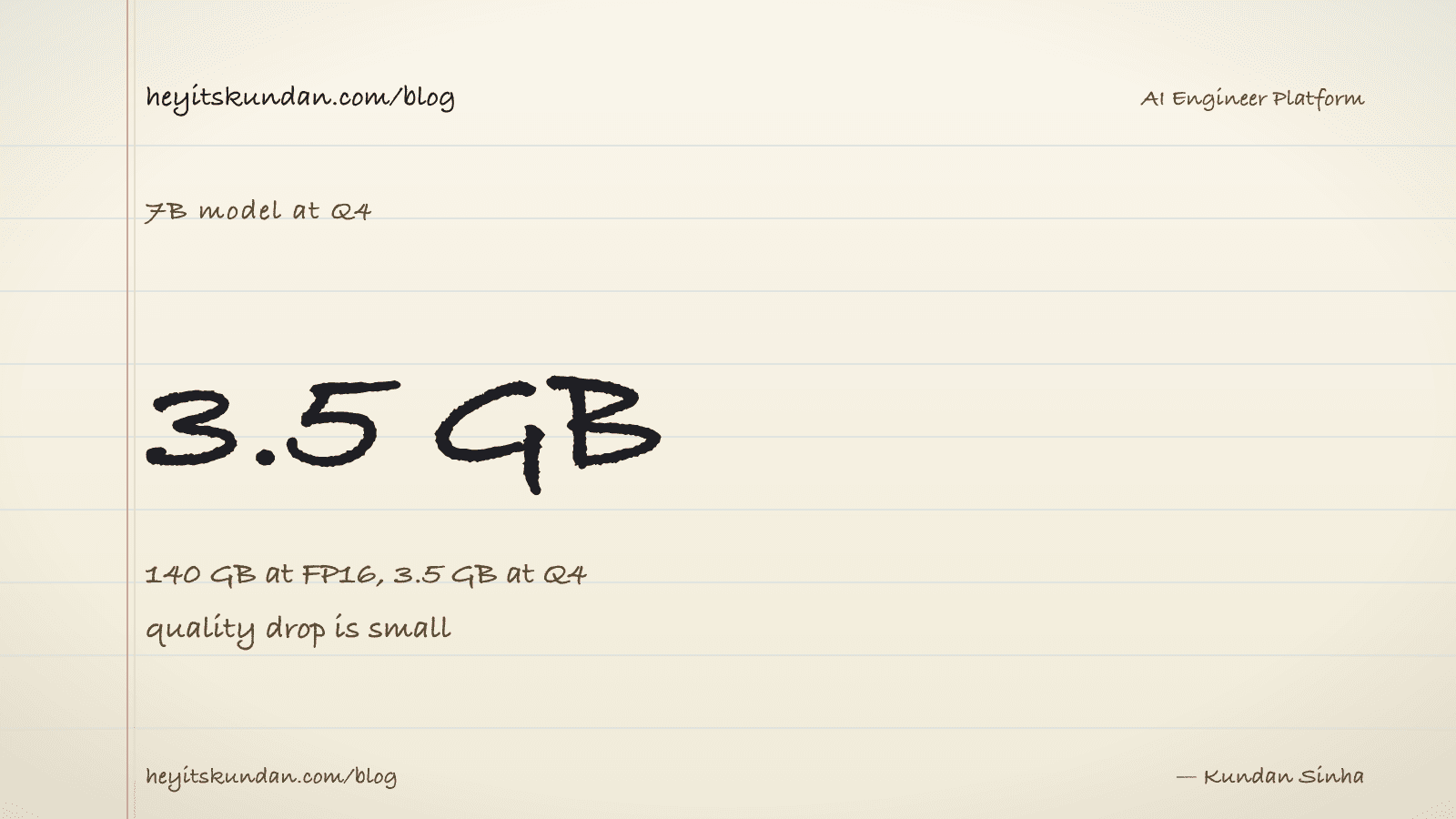
- Q4: 7B × 0.5 bytes = 3.5 GB
- Q2: 7B × 0.25 bytes = 1.75 GB
Same model, four sizes, four quality levels. The skill is picking the right one for the hardware you actually have.
What "Q4_K_M" is telling you
llama.cpp's GGUF format defines a whole family of quantization schemes. The name has three parts:
- Q[N]: N bits per weight on average. Q4 means 4 bits.
- _K: K-quants. A smarter scheme than the original quantization. Always pick K-quants over the legacy ones.
- _S / _M / _L: small, medium, large. Different layers get different bit-widths, so quality gets preserved where it matters most. _M is the standard default. _L is a little bigger and sharper. _S is a little smaller and rougher.
The defaults worth memorizing:
- Q4_K_M. The community standard. Good quality, small file. 90% of local users want exactly this.
- Q5_K_M. When you have spare VRAM and want a small bump in quality.
- Q8_0. When you have VRAM to burn and want near-perfect output. Basically identical to FP16.
- Q3_K_S or Q2_K. Last-resort sizes for when the next quant up just won't fit. Quality drops, and you'll notice.
What you actually give up
Quality loss from quantization is real, but smaller than you'd expect. The rough rules:
- Q8 vs FP16: you can't tell them apart in chat. Benchmarks land within margin of error.
- Q5 vs FP16: tiny degradation. Catches up after one more try on tricky prompts.
- Q4 vs FP16: noticeable on hard reasoning, invisible on chat and drafting.
- Q3 vs FP16: feels dumber. More wrong answers on math and code.
- Q2 vs FP16: substantial loss. The model still talks, but it's worse at everything.
The sweet spot is Q4_K_M. The community landed there because it's where the curve flattens out. Go smaller and you pay a lot of quality for a little memory. Go bigger and you pay a lot of memory for almost no quality.
Quantizing the KV cache too
A bonus lever. You can quantize the KV cache, not just the weights. We'll get into the details in the next post, but it's worth flagging now: turning on a Q8 KV cache halves your context-memory footprint at almost no quality cost. Most beginners leave this off and then run out of memory at long contexts they could have handled fine.
Distillation, up close
A different idea entirely. Instead of squeezing a big model down, you train a small model to act like the big one.
How it works: run a billion prompts through the teacher, a large, slow, expensive model. Record what it says. Then train a smaller student to produce the same answers. The student ends up with a fraction of the parameters but most of the teacher's behavior.
Where you'll bump into this in 2026:
- DeepSeek-R1-Distill-Llama-70B / DeepSeek-R1-Distill-Qwen-32B. A small model fine-tuned on DeepSeek R1's reasoning traces. Reasoning that punches well above its parameter count.
- Phi family (Microsoft). Small models trained on synthetic data generated by bigger ones. Phi-3 mini, at 3.8B parameters, competes with much larger models on plenty of tasks.
- Gemma 2 (Google). Distilled from Gemini's larger models. Also punches above its weight class.
Distillation is what made the 2026 small-model renaissance happen. A 3B model in 2024 was good for autocomplete. A 3B model in 2026, distilled from a frontier teacher, is good for real coding. The size didn't change. The training data did.
The catch: you can't distill capabilities the teacher never had, and the student often loses some of the long-context coherence the teacher had. But pound for pound, distilled small models are extraordinary.
Pruning, up close
The least-used of the three. The idea: find the weights that aren't doing useful work, and delete them.
It comes in two flavors:
- Unstructured pruning. Zero out individual weights based on magnitude. Doesn't shrink the file, but creates sparsity that some hardware can exploit. Mostly a research thing.
- Structured pruning. Remove whole rows or columns of weight matrices, or whole attention heads, or whole layers. The file actually gets smaller. It's risky: delete the wrong head and accuracy tanks.
In practice, pruning never really took off in the open-weights world. The math is harder than quantization and the payoff is smaller. You'll spot "pruned" tags on HuggingFace now and then, but they're a footnote.
If you're just picking a model to run, you can ignore pruning entirely. If you're researching efficient inference, you can't.
Stacking all three
The three techniques compose. A 2026 production pipeline often looks like this:
- Train a giant teacher model (Llama 3.1 405B or DeepSeek V4).
- Distill it down to a smaller student (Llama 3.2 3B).
- Quantize the student (Q4_K_M GGUF).
- Optionally prune (rare).
The thing that lands on your laptop is a 2GB GGUF file that traces all the way back to a frontier teacher. Every step lost something. Together, they handed you a working model that fits.
Picking a quant for your hardware
A practical algorithm:
- Start with Q4_K_M. The community default exists for a reason.
- If the model file plus 1 to 2 GB of headroom (KV cache, runtime overhead) fits comfortably in your VRAM, try Q5_K_M for a small quality bump.
- If it won't fit at Q4, drop to Q3_K_S. If that still won't fit, you need a smaller model, not a smaller quant.
- Reach for Q8 only when you have huge VRAM headroom. The gain over Q5 is usually invisible.
Don't agonize over it. Pick Q4_K_M, run it for a week, and switch only when you have a specific complaint.
What's next
You now know how the model file got small. The next post is about what happens when you actually ask it to write something: streaming, throughput, time-to-first-token, and the KV cache that makes the second token cheap.
From the dictionary
Terms used in this post
Quick reference for the 18 terms you met above. Each one comes from the AI dictionary.
- AlgorithmML
- In ML, the recipe used to turn data into a model — the architecture plus the training procedure. Different algorithms (decision trees, gradient-boosted trees, neural networks, transformers) produce different model types.
- AttentionDL
- The mechanism inside a transformer that lets the model look at every previous token in the sequence and weigh its relevance. Attention scales quadratically with sequence length, which is why long context is expensive.
- Context WindowNLP
- The maximum number of tokens an LLM can take in for a single forward pass. Everything the model knows about your current conversation has to fit inside this window — anything outside is invisible.
- DatasetData
- The collection of examples a model learns from during training. The shape, size, quality, and bias of the dataset determines almost everything about the resulting model.
- GeminiAI
- Google's family of LLMs and the consumer chat product at gemini.google.com. Tightly integrated with Google's search index and Workspace apps.
- e.g. Gemini is Google's answer to ChatGPT, with native access to Search.
- GGUFML
- GPT-Generated Unified Format. A single-file binary format for storing quantized model weights, tokenizer, and metadata. Used by llama.cpp, Ollama, and LM Studio. A 7B model in Q4 quantization is roughly 4GB; the same model in Q8 is roughly 8GB.
- InferenceML
- Running a trained model on a new input to produce an output. A single forward pass through the network with frozen weights. Much cheaper than training, which is why every LLM API exists.
- llama.cppAI
- A C++ implementation of LLM inference designed to run quantized models on consumer hardware (CPU, CUDA, Metal, Vulkan). The de-facto local inference engine that Ollama and LM Studio both wrap. Supports GGUF format, has a built-in HTTP server, and is the reference for what local LLMs can actually do.
- Large Language ModelAI
- A deep-learning model trained on huge volumes of text to predict the next token given the previous ones. Scaling next-token prediction to billions of parameters yields the chat-like behaviour of ChatGPT, Claude, and Gemini. Capabilities are bounded by training data and the context window.
- e.g. Claude is an LLM — it reads your message as tokens and generates a response one token at a time.
- LossML
- A number that measures how wrong the models prediction is, compared to the truth. Training is the process of changing weights so this number goes down.
- ModelML
- In ML, a model is a file of learned numbers (parameters or weights) plus an architecture that tells the program how to use them. Loading a model means reading those numbers; running it means doing arithmetic with them.
- ParametersML
- The individual learned numbers inside a model. "7B parameters" means 7 billion of them. More parameters generally means more capacity, more memory needed, and slower inference.
- PromptNLP
- The text you send to an LLM. Includes any system prompt, conversation history, retrieved context, and your actual question. The prompt is the only thing you can change without retraining.
- QuantizationML
- Compressing model weights from 16-bit floats (FP16) to lower-precision integers (Q8, Q5, Q4) to reduce memory footprint and speed up inference. Q4 cuts size by ~4x with minor quality loss; Q2 saves more but degrades noticeably. The standard trick that makes 70B models fit on consumer hardware.
- TokenNLP
- The unit an LLM operates on — roughly a word or piece of one. English averages around 4 characters per token. Tokens are the unit of computation, the unit of API billing, and the unit the context window is measured in.
- TrainingML
- The expensive one-time process of running a learning algorithm over data until the models parameters settle into useful values. Frontier-model training costs $100M+ and tens of thousands of GPUs.
- VRAMGeneral
- Video RAM on a discrete GPU. The hard ceiling on which models you can run: an RTX 4090 has 24GB, an A100 has 40-80GB, an H100 has 80GB. A 70B Q4 model needs ~40GB just for weights, before activations and KV cache. On Apple Silicon, unified memory plays the same role.
- WeightsML
- The numbers inside a trained model. They start out random and get adjusted during training until they encode the patterns in the data. "Open weights" means the trained numbers are downloadable; it does not mean the training data or code is open.
Rate this article
How helpful did you find this?
- 01
The pitch for local LLMs in 2026
April 3, 2026
- 02
The local-LLM vocabulary
April 7, 2026
- 03
Quantization, distillation, pruning: how a 140GB model fits on your laptop
April 10, 2026
- 04
Streaming, throughput, and the KV cache
April 14, 2026
- 05
Picking a local model by task
April 17, 2026
- 06
System requirements by OS for local LLMs
April 21, 2026
- 07
Every machine can run a local LLM (here's what fits)
April 24, 2026
- 08
Your first local LLM, start to finish
April 28, 2026
- 09
Wiring a local LLM into the tools you already use
May 1, 2026
- 10
Local RAG and embeddings
May 5, 2026
- 11
Local agents and tool use
May 8, 2026
- 12
Fine-tuning a model locally
May 12, 2026
- 13
Troubleshooting local LLMs (and how to keep up after this series)
May 15, 2026
Newsletter
Get new articles in your inbox
AI engineering, LLM systems, and software architecture — no filler.
No spam. Unsubscribe any time.
Discussion
Comments
Leave a note about the article, architecture choices, or what you would build next.
Loading comments...