The pitch for local LLMs in 2026
The case for running an LLM on the machine you already own. Privacy, no per-call cost, faster first token, no rate limits, and it works on a flight.
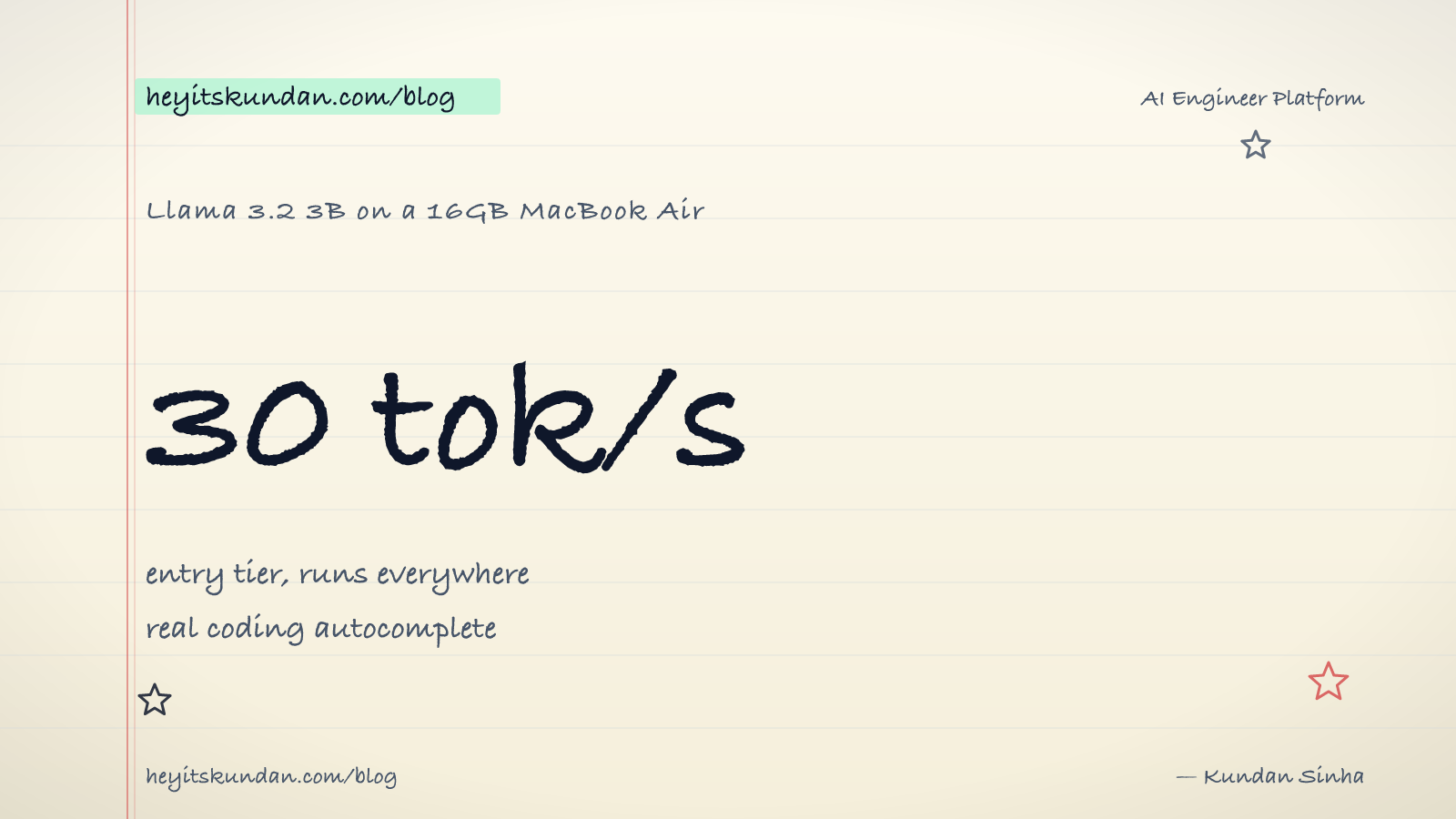
A 16GB MacBook Air, the cheapest one Apple sells, can run Llama 3.2 3B at around 30 tokens per second. That's a real model doing real work. Drafting commit messages, autocompleting code, summarizing documents. Offline. No API key. Zero rupees per call after the laptop you already own.
This is post 1 of 13 in the Local LLMs series. The AI Running series came first and stayed conceptual. This one gets hands-on. The whole thing rests on one belief: every machine that runs a modern browser can also run a useful local LLM. The only real questions are which model, on which runtime, for which task. The answer is almost never "you need a 5-lakh workstation."
Why bother in 2026
Cloud LLMs got very good and very cheap. So why run anything locally? Five reasons that actually hold up.
- Privacy. Every token you send to OpenAI, Anthropic, or Google sits in their logs for at least 30 days. For some work that's just not okay. Client code under NDA, internal docs, anything you wouldn't show a stranger on a train. Local is the only setup where the data physically never leaves your machine.
- Cost after capex. Cloud is cheap per call until it isn't. Start hitting an API thousands of times a day for autocomplete, classification, or background summarization and the bill compounds fast. Local has zero marginal cost. The laptop is the bill.
- Latency. A round trip to a cloud API takes 200 to 1500ms before the first token even shows up. A local model on Apple Silicon hits the first token in 50 to 200ms. For autocomplete and inline help, that's the gap between "feels alive" and "feels laggy."
- No rate limits. Cloud APIs throttle you. Local doesn't. Want to run 10,000 classifications in a loop on a Sunday afternoon? Your laptop just does it.
- Offline. On a flight, in a basement, in a hill station with one bar of 4G. The model on your disk works.
None of these need you to be paranoid or rich. They just need you to be doing enough AI that "send everything to a server" stops feeling free.
What you can actually do today

Here's the part most people miss: the 2026 small-model renaissance. Six or seven years ago, local LLMs meant Llama 1 7B, and you had to apologize for the output. Now the small open models are good enough that the apologies are gone.
A short menu, by hardware tier:
- 8GB integrated graphics laptop (any modern Intel/AMD laptop, even the cheap ones). Runs Phi-3 mini (3.8B), Qwen 2.5 1.5B, Llama 3.2 1B at usable speed. Good for drafting, classification, structured extraction.
- 16GB MacBook Air or 8GB VRAM PC (RTX 3060, 4060). Runs Llama 3.2 3B, Qwen 2.5 3B, Mistral 7B Q4 at 30 to 60 tok/s. Real coding autocomplete tier. This is the entry-level "I have a working local AI" machine.
- 24GB unified memory MacBook Pro or 12GB VRAM PC (RTX 4070). Runs Qwen 2.5 14B, Phi-3 medium, Gemma 2 9B comfortably. Multi-step reasoning starts working here.
- 32GB+ Mac or 16GB+ VRAM PC (RTX 4080, 5080). Runs Qwen 2.5 32B, Llama 3.x 70B at low quants. Coding agents, document analysis, anything short of frontier.
- 64GB+ Mac or 24GB VRAM PC (RTX 4090, 5090). Runs 70B Q4 comfortably. Genuinely competitive with mid-tier cloud APIs for most work.
Notice what's missing from that list. There's no "you need to spend 5 lakh." The cheapest tier runs on hardware that already lives in most engineers' laptops. The "do I have enough?" answer is almost always yes, with the right model.
The first thing I run on a new machine
When I get a new laptop, the local-LLM setup is roughly five minutes:
# install ollama via homebrew

brew install ollama
# pull a model that runs everywhere

ollama run llama3.2:3b
That's the whole on-ramp. The model file is about 2GB. It downloads once. From the second prompt forward, every call is local. No login, no API key, no quota.
Five minutes after starting, I have a working AI assistant that will outlive the next three rounds of OpenAI pricing changes.
The trade-offs, honestly
I'm not going to pretend local matches frontier cloud. It doesn't, not in 2026. The honest gap:
- Capability ceiling. A local 3B model is not Claude Opus. For hard reasoning, multi-step agents, and long-context analysis (100K+ tokens), the frontier cloud models still win, sometimes by a lot.
- Tool use is flakier. Open models do function calling, just not as reliably as the closed frontier ones. Some agentic loops fail in ways that simply don't happen on Claude or GPT-5.
- Speed at small sizes. A 4090 is faster than a MacBook Air. Want 100+ tok/s on a 7B model? You need a discrete GPU. The Air at 30 tok/s is "feels fine for chat." The 4090 at 120 tok/s is "feels instant."
But none of that argues against running local. It argues for being honest about which jobs you hand it. Use a local 3B for autocomplete and drafting. Use a local 7B to 14B for code generation and chat. Save a cloud frontier model for the few hard reasoning jobs that genuinely need it. Most of your workload lands in the first two buckets.
A working production system probably has both. The real question is which task gets which engine. Most engineers default to "everything cloud" because that's where they started. Run a local LLM for five minutes a day and the calculus changes.
What this series will cover
Thirteen posts. By the end of the last one, you'll know:
- Every word on a HuggingFace model card (post 2).
- How a 70B model fits on a 24GB GPU (post 3).
- Why streaming feels faster, and what the KV cache actually does (post 4).
- Which model to pick for coding vs chat vs structured output vs vision (post 5).
- What your specific OS needs to run any of this (post 6).
- What runs on your specific hardware tier (post 7).
- How to install your first local LLM, end to end (post 8).
- How to wire it into VS Code and your existing workflow (post 9).
- How to give it your own data with local RAG (post 10).
- How to give it tools and turn it into an agent (post 11).
- How to fine-tune it for your use case (post 12).
- How to debug everything when it breaks (post 13).
The point isn't to turn you into a local-LLM purist. It's to make local a real option in your toolbox next to the cloud APIs, so you route per task instead of per habit.
What's next
Before any installs, the words. The next post is the local-LLM vocabulary: parameters, tokens, context, dense vs MoE, base vs instruct. Learn these and every model card on HuggingFace turns readable instead of intimidating.
From the dictionary
Terms used in this post
Quick reference for the 16 terms you met above. Each one comes from the AI dictionary.
- Artificial IntelligenceAI
- Umbrella term for software that performs tasks usually associated with human reasoning — language, perception, decision-making. Coined at the 1956 Dartmouth Summer Research Project. In everyday 2026 use, "AI" almost always means a large language model like ChatGPT, Claude, or Gemini, even though the textbook definition is much broader.
- e.g. When a product page says "AI-powered", it could mean a 70-billion-parameter LLM or a hand-written if-statement. The label moves with the times.
- APIGeneral
- Application Programming Interface. In LLM context: the HTTP endpoint a hosted model exposes (api.openai.com, api.anthropic.com). You send JSON, you get tokens back. The cloud-inference contract.
- ClaudeAI
- Anthropic's family of LLMs (Opus, Sonnet, Haiku) and consumer chat product at claude.ai. Used in this blog's tooling for drafting and dictionary work; also powers Claude Code, the CLI agent.
- e.g. This blog's create-post skill drafts inline using Claude.
- Context WindowNLP
- The maximum number of tokens an LLM can take in for a single forward pass. Everything the model knows about your current conversation has to fit inside this window — anything outside is invisible.
- Fine-TuningML
- Continuing to train an existing model on new data, so the new patterns get baked into the weights. Distinct from RAG (which only changes the prompt) and prompting (which changes nothing).
- GPTAI
- OpenAIs family of large language models — Generative Pre-trained Transformer. GPT-4 (2023) and successors are the most widely used closed-source LLMs in production.
- GPUGeneral
- A chip built for massive parallel arithmetic. The reason deep learning took off in the 2010s — GPUs make matrix multiplication fast enough to train deep networks in days instead of years. Nvidia dominates the market.
- Large Language ModelAI
- A deep-learning model trained on huge volumes of text to predict the next token given the previous ones. Scaling next-token prediction to billions of parameters yields the chat-like behaviour of ChatGPT, Claude, and Gemini. Capabilities are bounded by training data and the context window.
- e.g. Claude is an LLM — it reads your message as tokens and generates a response one token at a time.
- ModelML
- In ML, a model is a file of learned numbers (parameters or weights) plus an architecture that tells the program how to use them. Loading a model means reading those numbers; running it means doing arithmetic with them.
- ParametersML
- The individual learned numbers inside a model. "7B parameters" means 7 billion of them. More parameters generally means more capacity, more memory needed, and slower inference.
- PromptNLP
- The text you send to an LLM. Includes any system prompt, conversation history, retrieved context, and your actual question. The prompt is the only thing you can change without retraining.
- QuantizationML
- Compressing model weights from 16-bit floats (FP16) to lower-precision integers (Q8, Q5, Q4) to reduce memory footprint and speed up inference. Q4 cuts size by ~4x with minor quality loss; Q2 saves more but degrades noticeably. The standard trick that makes 70B models fit on consumer hardware.
- RAGNLP
- Retrieval-Augmented Generation: search your corpus for relevant text, paste it into the LLMs context window, then ask the question. The models weights are unchanged; only the prompt is augmented.
- TokenNLP
- The unit an LLM operates on — roughly a word or piece of one. English averages around 4 characters per token. Tokens are the unit of computation, the unit of API billing, and the unit the context window is measured in.
- TrainingML
- The expensive one-time process of running a learning algorithm over data until the models parameters settle into useful values. Frontier-model training costs $100M+ and tens of thousands of GPUs.
- VRAMGeneral
- Video RAM on a discrete GPU. The hard ceiling on which models you can run: an RTX 4090 has 24GB, an A100 has 40-80GB, an H100 has 80GB. A 70B Q4 model needs ~40GB just for weights, before activations and KV cache. On Apple Silicon, unified memory plays the same role.
Rate this article
How helpful did you find this?
- 01
The pitch for local LLMs in 2026
April 3, 2026
- 02
The local-LLM vocabulary
April 7, 2026
- 03
Quantization, distillation, pruning: how a 140GB model fits on your laptop
April 10, 2026
- 04
Streaming, throughput, and the KV cache
April 14, 2026
- 05
Picking a local model by task
April 17, 2026
- 06
System requirements by OS for local LLMs
April 21, 2026
- 07
Every machine can run a local LLM (here's what fits)
April 24, 2026
- 08
Your first local LLM, start to finish
April 28, 2026
- 09
Wiring a local LLM into the tools you already use
May 1, 2026
- 10
Local RAG and embeddings
May 5, 2026
- 11
Local agents and tool use
May 8, 2026
- 12
Fine-tuning a model locally
May 12, 2026
- 13
Troubleshooting local LLMs (and how to keep up after this series)
May 15, 2026
Newsletter
Get new articles in your inbox
AI engineering, LLM systems, and software architecture — no filler.
No spam. Unsubscribe any time.
Discussion
Comments
Leave a note about the article, architecture choices, or what you would build next.
Loading comments...