Streaming, throughput, and the KV cache
Why TTFT and tok/s are different numbers, why streaming feels faster than it is, and the KV cache that makes the 1000th token cost about the same as the first.
Watch a chat model type out an answer one token at a time. That's not a loading animation. The model genuinely produces one token, runs again to get the next, runs again for the one after that. Streaming is just the decision to show you each token the moment it lands instead of waiting for the whole thing.
This is post 4 of 13 in the Local LLMs series. By the end of it you'll know what time-to-first-token actually measures, why streaming tricks you into thinking the model is faster, and the one optimization (the KV cache) that makes a 1,000-token reply cost far less than running the model 1,000 times.
How an LLM produces output

Inference runs in two phases.
- Prefill. The model reads your whole prompt at once. Every input token goes through every layer in parallel. The GPU eats this for breakfast, because big matrix multiplies are precisely what GPUs are built for.
- Decode. The model generates one token. To get the next one it has to "see" everything so far, your prompt plus the tokens it just wrote. Then it repeats, over and over, until it hits a stop token or a length limit.
Prefill is fast, thousands of tokens per second on consumer hardware, because it all happens at once. Decode is slow, 30 to 120 tok/s on the same hardware, because each token depends on the one before it. You can't parallelize a sequence you haven't generated yet.
Two numbers describe this.
- Time-to-first-token (TTFT). How long from hitting enter to the first character showing up. Prefill dominates it. Short prompt, milliseconds. A 50K-token prompt, several seconds.
- Tokens per second (tok/s). How fast the model spits out output once decode starts. This is the typing speed.
A reasonable Llama 3.2 3B run on a 16GB MacBook Air gives you TTFT around 100ms for a short prompt and decode around 35 tok/s. About as fast as a brisk human reader.
Why streaming feels faster
Same token count, same total time. But streaming starts showing output right away, and that changes everything about how it feels.
- Perceived latency collapses to TTFT. Something appears within 100ms even if the full reply takes 8 seconds.
- You read while the model writes. Reading and generation overlap instead of stacking.
- You can kill it mid-flight. If the answer is clearly going sideways by token 50, you stop it. With one-shot output you sit through the whole 8 seconds and only then find out it was wrong.
The only good reason to use one-shot output is when you need the complete answer before you can do anything with it: parsing JSON, firing a tool call, shipping the result somewhere. Everywhere else, stream.
Both modes are first-class on every local runtime. Ollama returns streaming JSON by default. LM Studio's OpenAI-compatible server streams through the stream: true flag. llama.cpp has its --stream flag.
The KV cache, finally
Here's the question that's been sitting under all of this. To generate token #1000, the model needs to "see" tokens 1 through 999. So does it reprocess all 999 every time it wants the next one? That would be quadratically expensive and nobody could afford it.
It doesn't. It uses the KV cache.
The mechanic: every layer of a transformer has a self-attention block. Self-attention computes three things from each input token, a Query (Q), a Key (K), and a Value (V). Each new token's Q gets checked against every prior token's K and V to work out what to pay attention to.
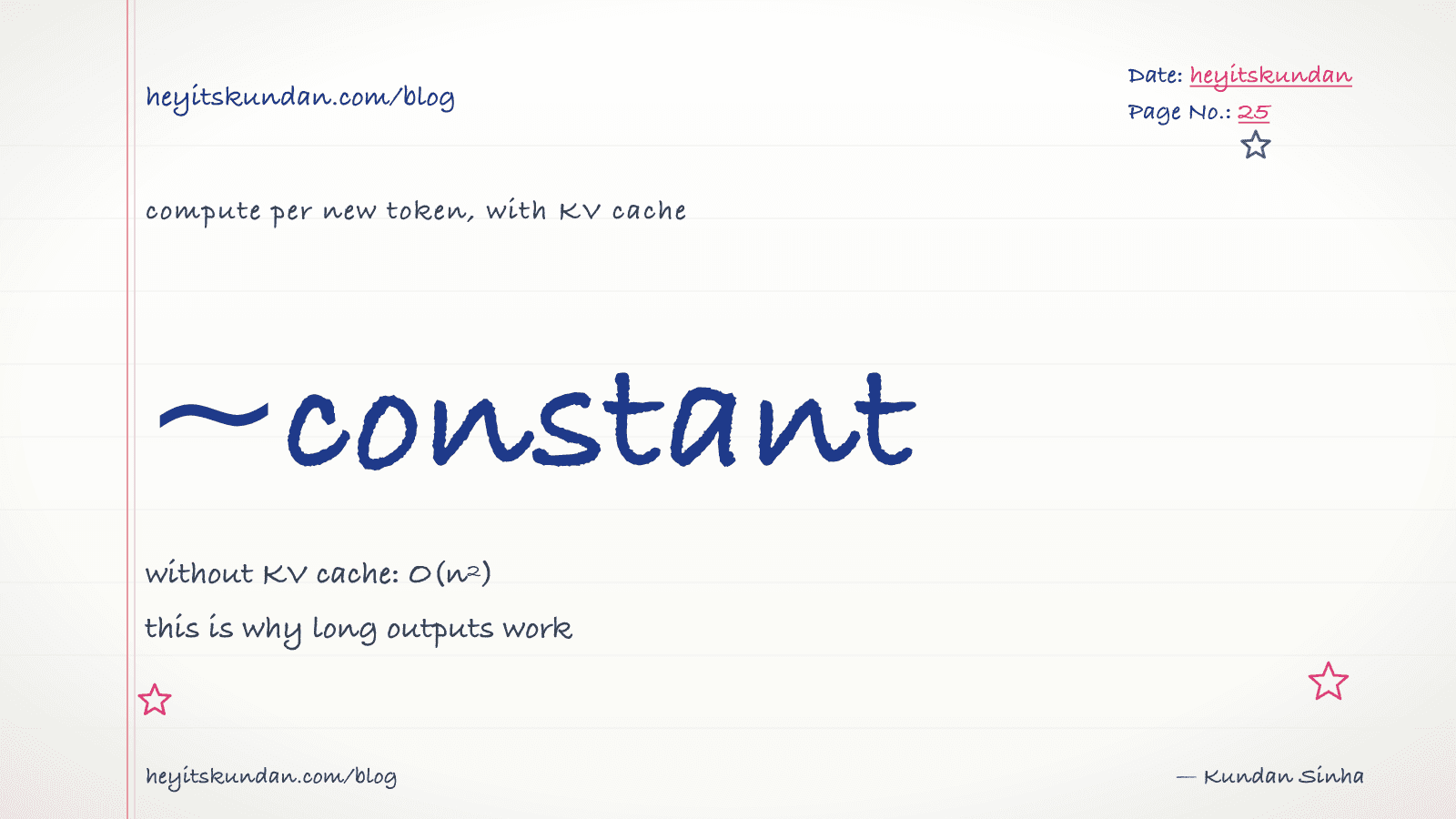
The trick: K and V for past tokens never change. Once they're computed, they're fixed forever. So you cache them. To generate token #1001 the model only computes Q for the new position and looks up K and V for everything before it. The work per new token stays roughly flat no matter how many came before.
Without the KV cache, token #1000 costs about 1000x token #1, and inference is unworkably slow. With it, token #1000 costs about 1x token #1 plus a small lookup, and inference actually works.
Every modern LLM runtime ships a KV cache. It is not optional. It is the thing that makes long contexts and long outputs possible at all.
What the KV cache costs
It lives in memory, and the size scales with three things.
- Context length. More tokens means more cached K and V.
- Model dimensions. More layers and a bigger hidden size means more K and V per token.
- Batch size. Each parallel request carries its own cache.
A rough formula for a single sequence:
KV cache size ≈ 2 × layers × hidden_size × context_length × bytes_per_value
For Llama 3.1 8B at FP16 across the full 128K context, that's about 16 GB just for the cache. The weights are 16 GB too. The cache can match them.
This is why a 16GB GPU runs an 8B model fine at 4K context but blows up at 128K. The wall isn't the weights. It's the KV cache.
What that means in practice:
- Pick a context length you actually use. Most chat never needs 128K. Set
n_ctxto 8K or 16K and pocket the gigabytes. - Watch RAM and VRAM climb as the conversation grows. The cache grows with every turn.
- When you OOM on "long conversations" but never at startup, the KV cache is your culprit.
KV cache quantization
Same idea as quantizing weights, pointed at the cache instead. Q8 KV cache uses 1 byte per value rather than 2. Q4 KV cache uses 0.5 bytes.
The savings are big. That same Llama 3.1 8B at 128K context drops from 16 GB of KV down to 8 GB at Q8, or 4 GB at Q4.
Q8 costs you almost nothing in quality. Q4 costs a bit more. Most people should turn on Q8 KV cache by default and never think about it again. Ollama and llama.cpp both support it, and LM Studio exposes it in advanced settings.
# llama.cpp server with Q8 KV cache

./llama-server -m model.gguf -c 16384 --cache-type-k q8_0 --cache-type-v q8_0
Ollama's equivalent is the OLLAMA_KV_CACHE_TYPE=q8_0 environment variable.
The first time you flip this on and watch your 8B model hold 32K context where it used to die at 16K, you'll wonder why it isn't the default everywhere.
A worked example
You're chatting with Llama 3.1 8B Q4 on a 16GB MacBook Air. Here's the setup.
- Model weights at Q4: ~5 GB
- Context length: 8K
- KV cache at FP16, 8K context: ~1 GB
- Runtime overhead: ~0.5 GB
- Total VRAM: ~6.5 GB. Fits comfortably.
Then you crank context to 32K because someone told you more context is always better.
- Weights: 5 GB (unchanged)
- KV cache at FP16, 32K: ~4 GB
- Total: ~9.5 GB. Still fits.
So you push to 128K.
- KV cache at FP16, 128K: ~16 GB
- Total: ~21 GB. Doesn't fit. OOM.
Now you enable Q8 KV cache and try 128K again.
- KV cache at Q8, 128K: ~8 GB
- Total: ~13 GB. Fits.
Same model, same hardware. One configuration knob decided whether 128K context was even possible.
TTFT on long prompts
Prefill runs in parallel, but it's still proportional to how big your prompt is. A 50K-token prompt has to flow through every layer once before a single output token can appear. On a 4090 that's roughly 1 to 2 seconds for a 7B model. On a MacBook Air, 4 to 8 seconds.
If your app feeds in long prompts and still needs a fast first response, the fix is prefix caching, which some runtimes call "prompt caching." If the same long prefix shows up at the start of two requests, you cache it after the first prefill and skip the work the second time around. Ollama does this for repeat requests with stable system prompts. llama.cpp controls it with the --cache-reuse flag.
It's the local-LLM version of the prompt caching feature in cloud APIs (post 6 of the Running series, if you got to that one).
What's next
You now know how the model produces text and why the KV cache has to exist. The next post is the practical one: which model do you actually pick? Coding, chat, summarization, structured output, multimodal, embeddings. Every task has a 2026 leader, and they are not all the same model.
From the dictionary
Terms used in this post
Quick reference for the 17 terms you met above. Each one comes from the AI dictionary.
- AttentionDL
- The mechanism inside a transformer that lets the model look at every previous token in the sequence and weigh its relevance. Attention scales quadratically with sequence length, which is why long context is expensive.
- Context WindowNLP
- The maximum number of tokens an LLM can take in for a single forward pass. Everything the model knows about your current conversation has to fit inside this window — anything outside is invisible.
- EmbeddingNLP
- A list of numbers (a vector) that represents the meaning of a piece of text. Two pieces of text with similar meanings have embeddings close together in space. The basis of vector search and most modern retrieval.
- GPUGeneral
- A chip built for massive parallel arithmetic. The reason deep learning took off in the 2010s — GPUs make matrix multiplication fast enough to train deep networks in days instead of years. Nvidia dominates the market.
- InferenceML
- Running a trained model on a new input to produce an output. A single forward pass through the network with frozen weights. Much cheaper than training, which is why every LLM API exists.
- llama.cppAI
- A C++ implementation of LLM inference designed to run quantized models on consumer hardware (CPU, CUDA, Metal, Vulkan). The de-facto local inference engine that Ollama and LM Studio both wrap. Supports GGUF format, has a built-in HTTP server, and is the reference for what local LLMs can actually do.
- Large Language ModelAI
- A deep-learning model trained on huge volumes of text to predict the next token given the previous ones. Scaling next-token prediction to billions of parameters yields the chat-like behaviour of ChatGPT, Claude, and Gemini. Capabilities are bounded by training data and the context window.
- e.g. Claude is an LLM — it reads your message as tokens and generates a response one token at a time.
- LM StudioAI
- A GUI app for running local LLMs, wrapping llama.cpp with a chat interface and a model browser. Easier than Ollama for non-CLI users; same underlying engine. Useful for quick model evaluation; less useful for scripting or production-style workflows.
- ModelML
- In ML, a model is a file of learned numbers (parameters or weights) plus an architecture that tells the program how to use them. Loading a model means reading those numbers; running it means doing arithmetic with them.
- OllamaAI
- A wrapper around llama.cpp that makes running local LLMs a one-command operation. Pulls quantized GGUF models from a registry, exposes an HTTP API on localhost:11434, and handles model loading/unloading. The most common on-ramp to local inference in 2026.
- PromptNLP
- The text you send to an LLM. Includes any system prompt, conversation history, retrieved context, and your actual question. The prompt is the only thing you can change without retraining.
- Prompt CachingAI
- Caching the model state for a stable prefix of a prompt so repeat calls skip recomputing it. Anthropic and OpenAI both expose this via API; cached tokens cost 5-10x less and have a 5-minute TTL on Anthropic. Critical for cost when you reuse system prompts or RAG context across requests.
- QuantizationML
- Compressing model weights from 16-bit floats (FP16) to lower-precision integers (Q8, Q5, Q4) to reduce memory footprint and speed up inference. Q4 cuts size by ~4x with minor quality loss; Q2 saves more but degrades noticeably. The standard trick that makes 70B models fit on consumer hardware.
- TokenNLP
- The unit an LLM operates on — roughly a word or piece of one. English averages around 4 characters per token. Tokens are the unit of computation, the unit of API billing, and the unit the context window is measured in.
- TransformerDL
- The neural-network architecture every modern LLM is built on. Introduced by Google in the 2017 paper "Attention Is All You Need". GPT, Claude, Gemini, Llama, Mistral — all transformers.
- VRAMGeneral
- Video RAM on a discrete GPU. The hard ceiling on which models you can run: an RTX 4090 has 24GB, an A100 has 40-80GB, an H100 has 80GB. A 70B Q4 model needs ~40GB just for weights, before activations and KV cache. On Apple Silicon, unified memory plays the same role.
- WeightsML
- The numbers inside a trained model. They start out random and get adjusted during training until they encode the patterns in the data. "Open weights" means the trained numbers are downloadable; it does not mean the training data or code is open.
Rate this article
How helpful did you find this?
- 01
The pitch for local LLMs in 2026
April 3, 2026
- 02
The local-LLM vocabulary
April 7, 2026
- 03
Quantization, distillation, pruning: how a 140GB model fits on your laptop
April 10, 2026
- 04
Streaming, throughput, and the KV cache
April 14, 2026
- 05
Picking a local model by task
April 17, 2026
- 06
System requirements by OS for local LLMs
April 21, 2026
- 07
Every machine can run a local LLM (here's what fits)
April 24, 2026
- 08
Your first local LLM, start to finish
April 28, 2026
- 09
Wiring a local LLM into the tools you already use
May 1, 2026
- 10
Local RAG and embeddings
May 5, 2026
- 11
Local agents and tool use
May 8, 2026
- 12
Fine-tuning a model locally
May 12, 2026
- 13
Troubleshooting local LLMs (and how to keep up after this series)
May 15, 2026
Newsletter
Get new articles in your inbox
AI engineering, LLM systems, and software architecture — no filler.
No spam. Unsubscribe any time.
Discussion
Comments
Leave a note about the article, architecture choices, or what you would build next.
Loading comments...