Install the Anthropic SDK
Install the official Claude SDK for Python and Node, set your API key the safe way, and prove it works with a one-line call.
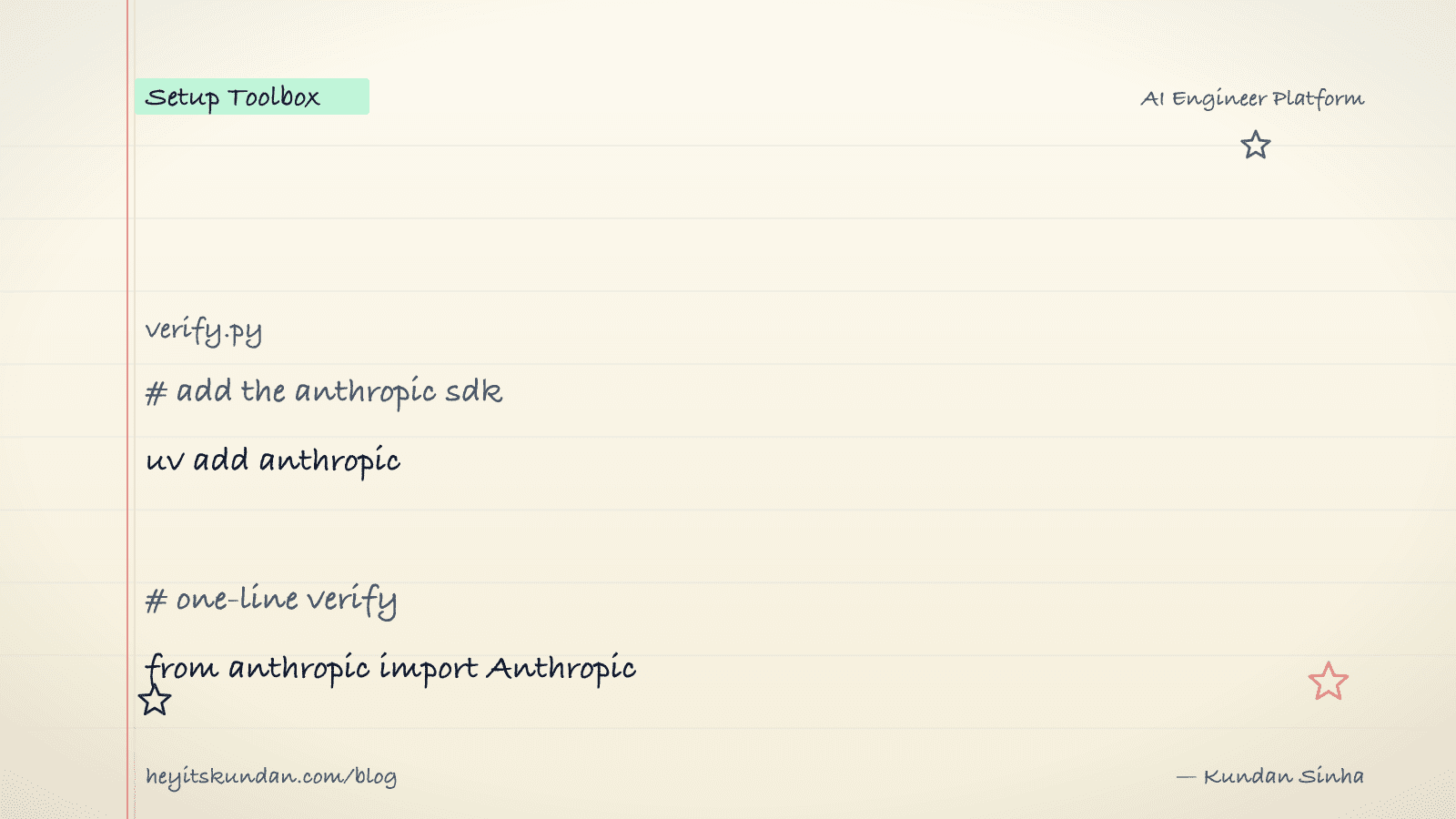
Two install commands, one env var, and a one-liner that gets Claude to say hi back. That's the whole job today.
This is post 9 of 10 in the Setup Toolbox series. The Anthropic SDK is the official client for the Claude API, and it ships in two flavors: Python (anthropic) and Node (@anthropic-ai/sdk). Same API surface in both. We'll install both and verify each.
You'll need an API key from console.anthropic.com. The free credits cover this verify step many times over, so don't worry about burning through them.
Python
Install it via uv inside a project:
# add the anthropic sdk to your project

uv add anthropic
Want a quick one-off with no project around it? Use uv tool install or uv run:
# run a script with the sdk available, no project setup

uv run --with anthropic python -c "from anthropic import Anthropic; print(Anthropic().messages.create(model='claude-haiku-4-5-20251001', max_tokens=20, messages=[{'role':'user','content':'hi'}]).content[0].text)"
Still on an older pip project? pip install anthropic works fine.
Node
Install it via npm inside a project:
# add the anthropic sdk to your project

npm install @anthropic-ai/sdk
pnpm and yarn behave identically (pnpm add @anthropic-ai/sdk, yarn add @anthropic-ai/sdk).
Configure the API key
The SDK reads ANTHROPIC_API_KEY from the environment. Don't hardcode it. For development, drop it in a .env file and add .env to your .gitignore:
# create .env with your api key

echo 'ANTHROPIC_API_KEY=sk-ant-...' >> .env
In Python, load it with python-dotenv, or just export ANTHROPIC_API_KEY=... in your shell. In Node, load it with dotenv or lean on the shell env. For production, use whatever secret manager your platform gives you (AWS Secrets Manager, GCP Secret Manager, Vercel env vars). Never commit the key.
Verify (Python)
# verify python sdk with a one-line call

from anthropic import Anthropic; print(Anthropic().messages.create(model="claude-haiku-4-5-20251001", max_tokens=64, messages=[{"role":"user","content":"hi"}]).content[0].text)
Save it to verify.py, then run uv run python verify.py. You should see Claude's reply printed.
Verify (Node)
// verify node sdk with a one-line call

import Anthropic from "@anthropic-ai/sdk"; const r = await new Anthropic().messages.create({ model: "claude-haiku-4-5-20251001", max_tokens: 64, messages: [{ role: "user", content: "hi" }] }); console.log(r.content[0].text);
Save it to verify.mjs, then run node verify.mjs.
Common gotchas
- Wrong env var name: it's
ANTHROPIC_API_KEY, notCLAUDE_API_KEYorANTHROPIC_KEY. The SDK only reads the official name. - Model IDs change: pin the full ID with the date suffix (
claude-haiku-4-5-20251001) when you want stability. The shorter alias (claude-haiku-4-5) follows the latest snapshot and can shift behavior under you. - Rate limits hit fast on free credits: a tight loop of test calls will trip the per-minute limit. Add
time.sleep(1)or read theusagefield to back off. - Streaming differs from one-shot:
.messages.createis one-shot. For token-by-token streaming, use.messages.stream(Python) or.messages.stream(Node). Different return type, you iterate over deltas. - Prompt caching: turn it on explicitly with
cache_controlblocks. The SDK won't cache for you; you tag what's cacheable. Worth it for any prompt over 1k input tokens that you reuse.
Once verify.py or verify.mjs prints a reply, you're ready to build against Claude. Most production code differs from that verify script in only two places: the message list and the error handling. Post 10 closes out the toolbox.
From the dictionary
Terms used in this post
Quick reference for the 6 terms you met above. Each one comes from the AI dictionary.
- APIGeneral
- Application Programming Interface. In LLM context: the HTTP endpoint a hosted model exposes (api.openai.com, api.anthropic.com). You send JSON, you get tokens back. The cloud-inference contract.
- ClaudeAI
- Anthropic's family of LLMs (Opus, Sonnet, Haiku) and consumer chat product at claude.ai. Used in this blog's tooling for drafting and dictionary work; also powers Claude Code, the CLI agent.
- e.g. This blog's create-post skill drafts inline using Claude.
- ModelML
- In ML, a model is a file of learned numbers (parameters or weights) plus an architecture that tells the program how to use them. Loading a model means reading those numbers; running it means doing arithmetic with them.
- PromptNLP
- The text you send to an LLM. Includes any system prompt, conversation history, retrieved context, and your actual question. The prompt is the only thing you can change without retraining.
- Prompt CachingAI
- Caching the model state for a stable prefix of a prompt so repeat calls skip recomputing it. Anthropic and OpenAI both expose this via API; cached tokens cost 5-10x less and have a 5-minute TTL on Anthropic. Critical for cost when you reuse system prompts or RAG context across requests.
- TokenNLP
- The unit an LLM operates on — roughly a word or piece of one. English averages around 4 characters per token. Tokens are the unit of computation, the unit of API billing, and the unit the context window is measured in.
Rate this article
How helpful did you find this?
- 01
Install Homebrew
February 15, 2026
- 02
Install Git
February 16, 2026
- 03
Install Node.js and npm without future regret
February 17, 2026
- 04
Install Python the right way, with uv
February 18, 2026
- 05
Install Docker
February 19, 2026
- 06
Install Ollama
February 20, 2026
- 07
Install llama.cpp
February 21, 2026
- 08
Install LM Studio
February 22, 2026
- 09
Install the Anthropic SDK
February 23, 2026
- 10
Install the OpenAI SDK
February 23, 2026
Newsletter
Get new articles in your inbox
AI engineering, LLM systems, and software architecture — no filler.
No spam. Unsubscribe any time.
Discussion
Comments
Leave a note about the article, architecture choices, or what you would build next.
Loading comments...