Install Ollama
Get Ollama running on macOS, Linux, or Windows, pull your first model, and confirm it works with ollama list. The shortest path to a local LLM.
Want a chatbot running on your own laptop with no API key and no cloud bill? This is the install.
This is post 6 of 10 in the Setup Toolbox series. Ollama is the easiest way to run open-source LLMs locally. It wraps llama.cpp in a single binary, adds a model registry, and runs a daemon that exposes an OpenAI-compatible API at http://localhost:11434. If you want to chat with Llama or Qwen on your machine without writing any code, start here.
macOS
Use Homebrew. There's a .dmg on the website too, but the brew formula stays current.
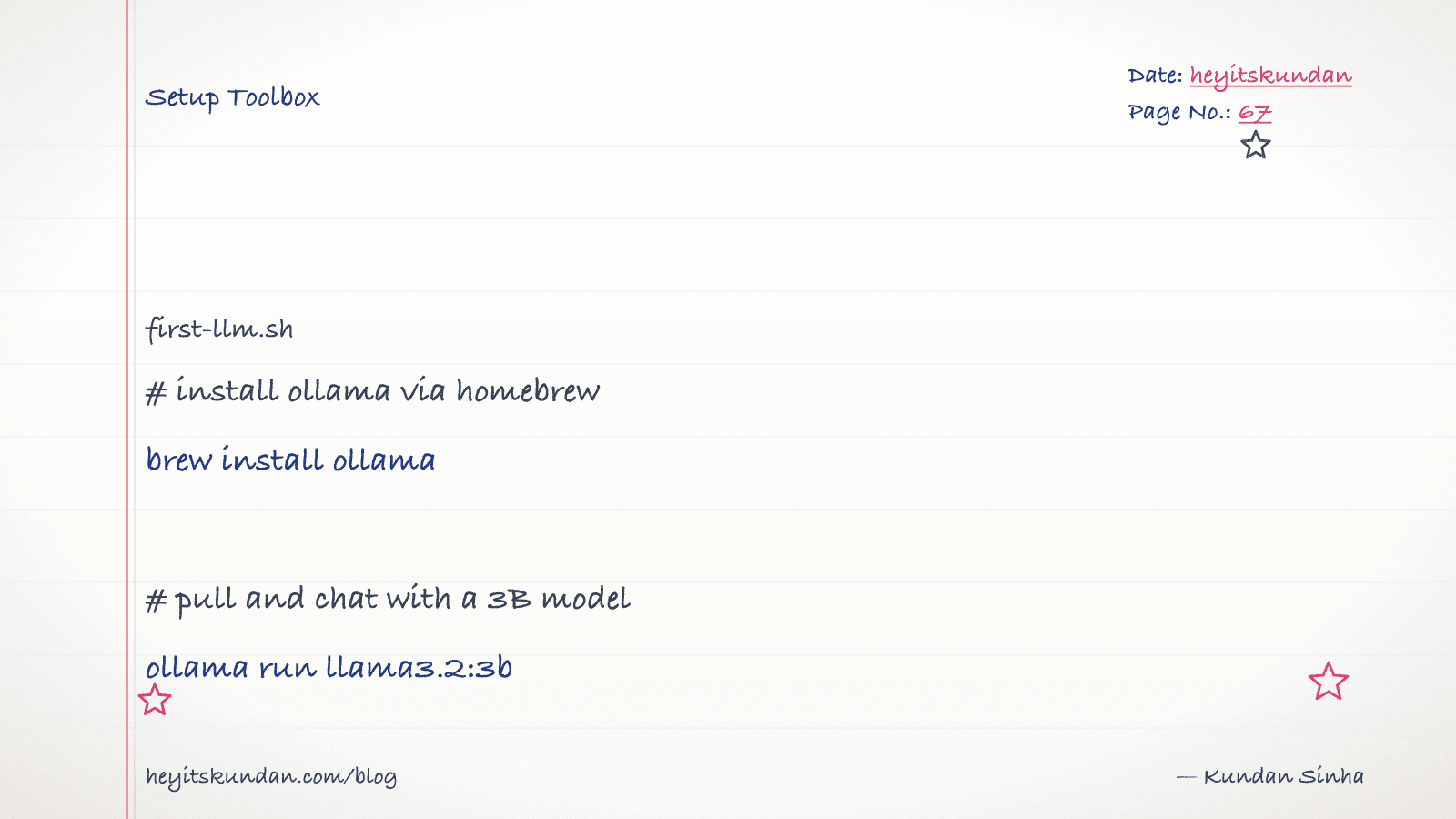
# install ollama via homebrew

brew install ollama
No Homebrew yet? See Install Homebrew. The brew install gives you a daemon you start by hand. Or install the .app for a menu-bar version that launches on login.
# start the ollama daemon (foreground)

ollama serve
Leave that terminal running, or just use the menu-bar app.
Linux
One line. The script sets up a systemd service so the daemon starts on boot.
# install ollama on linux via the official script

curl -fsSL https://ollama.com/install.sh | sh
It detects your GPU (NVIDIA via CUDA, AMD via ROCm) and pulls the matching libraries.
Windows
Grab the installer from ollama.com/download, or use winget:
# install ollama on windows

winget install --id=Ollama.Ollama -e
After install, Ollama lives in the tray and starts the daemon for you.
Pull and run a model
Start small. This one fits in 8 GB of RAM:
# pull and chat with llama 3.2 3b

ollama run llama3.2:3b
The first run downloads the weights, about 2 GB. After that every run is instant. Type a message, and Ctrl-D to exit.
Got more headroom? qwen2.5:7b fits in 16 GB. On a 64 GB Apple Silicon machine, llama3.1:70b runs at acceptable speed.
Verify
# list locally pulled models and the running daemon

ollama list && curl -s http://localhost:11434/api/tags | head
You should see the model you pulled plus a JSON response from the API. If curl fails, the daemon isn't running. Start it with ollama serve or open the tray app.
Common gotchas
- Disk fills up fast: each model is 2-40 GB.
ollama listshows what you have,ollama rm <model>removes one. Models live in~/.ollama/modelson macOS/Linux,%USERPROFILE%\.ollama\modelson Windows. - Pick the right quant: tags like
:7b-instruct-q4_K_Mare quantized down to 4-bit. Q4 is the default sweet spot for memory vs quality. Q8 is closer to the original; F16 is the original, full size. - VRAM not RAM: on a discrete-GPU PC, the model has to fit in VRAM, not system RAM. A 13B Q4 model is ~7.5 GB, borderline for an 8 GB GPU. On Apple Silicon, unified memory means RAM = VRAM, so a 32 GB Mac can run models a 16 GB PC GPU can't.
- API compatibility: Ollama's
/v1/chat/completionsendpoint is OpenAI-compatible, so most OpenAI client libraries work once you point them athttp://localhost:11434/v1.
Once ollama list shows a model, you can write code against a local LLM the same way you would the OpenAI or Anthropic API. Next in the toolbox is llama.cpp, for when you want to run GGUF files directly without the wrapper.
From the dictionary
Terms used in this post
Quick reference for the 8 terms you met above. Each one comes from the AI dictionary.
- APIGeneral
- Application Programming Interface. In LLM context: the HTTP endpoint a hosted model exposes (api.openai.com, api.anthropic.com). You send JSON, you get tokens back. The cloud-inference contract.
- GPUGeneral
- A chip built for massive parallel arithmetic. The reason deep learning took off in the 2010s — GPUs make matrix multiplication fast enough to train deep networks in days instead of years. Nvidia dominates the market.
- Large Language ModelAI
- A deep-learning model trained on huge volumes of text to predict the next token given the previous ones. Scaling next-token prediction to billions of parameters yields the chat-like behaviour of ChatGPT, Claude, and Gemini. Capabilities are bounded by training data and the context window.
- e.g. Claude is an LLM — it reads your message as tokens and generates a response one token at a time.
- ModelML
- In ML, a model is a file of learned numbers (parameters or weights) plus an architecture that tells the program how to use them. Loading a model means reading those numbers; running it means doing arithmetic with them.
- OllamaAI
- A wrapper around llama.cpp that makes running local LLMs a one-command operation. Pulls quantized GGUF models from a registry, exposes an HTTP API on localhost:11434, and handles model loading/unloading. The most common on-ramp to local inference in 2026.
- QuantizationML
- Compressing model weights from 16-bit floats (FP16) to lower-precision integers (Q8, Q5, Q4) to reduce memory footprint and speed up inference. Q4 cuts size by ~4x with minor quality loss; Q2 saves more but degrades noticeably. The standard trick that makes 70B models fit on consumer hardware.
- VRAMGeneral
- Video RAM on a discrete GPU. The hard ceiling on which models you can run: an RTX 4090 has 24GB, an A100 has 40-80GB, an H100 has 80GB. A 70B Q4 model needs ~40GB just for weights, before activations and KV cache. On Apple Silicon, unified memory plays the same role.
- WeightsML
- The numbers inside a trained model. They start out random and get adjusted during training until they encode the patterns in the data. "Open weights" means the trained numbers are downloadable; it does not mean the training data or code is open.
Rate this article
How helpful did you find this?
- 01
Install Homebrew
February 15, 2026
- 02
Install Git
February 16, 2026
- 03
Install Node.js and npm without future regret
February 17, 2026
- 04
Install Python the right way, with uv
February 18, 2026
- 05
Install Docker
February 19, 2026
- 06
Install Ollama
February 20, 2026
- 07
Install llama.cpp
February 21, 2026
- 08
Install LM Studio
February 22, 2026
- 09
Install the Anthropic SDK
February 23, 2026
- 10
Install the OpenAI SDK
February 23, 2026
Newsletter
Get new articles in your inbox
AI engineering, LLM systems, and software architecture — no filler.
No spam. Unsubscribe any time.
Discussion
Comments
Leave a note about the article, architecture choices, or what you would build next.
Loading comments...