Install LM Studio
Install LM Studio on macOS, Linux, and Windows, then flip on the local OpenAI-compatible server so any client library can talk to a model on your own machine.
Want a local model running in five minutes with zero terminal? This is the one.
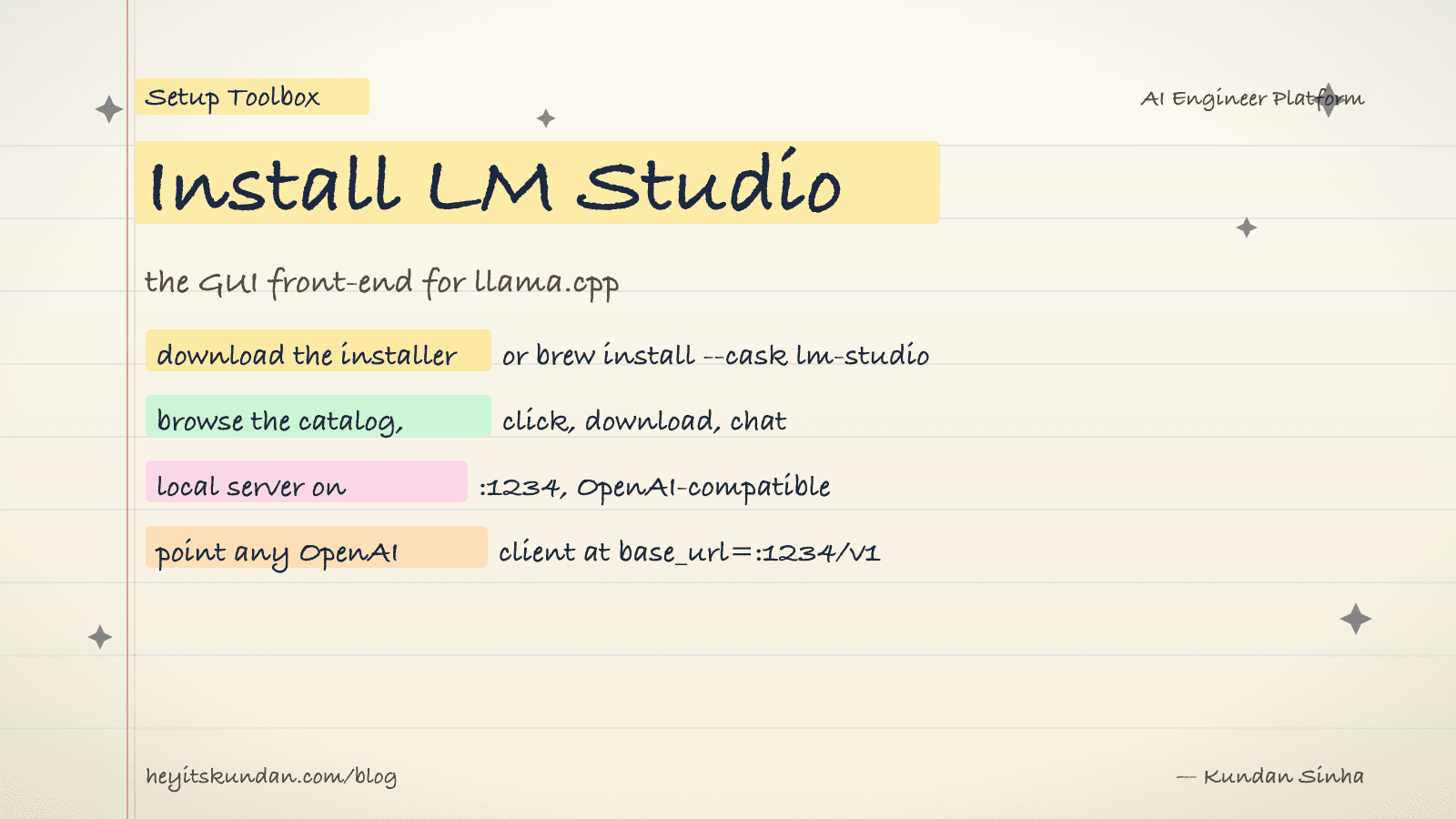
LM Studio is the GUI version of llama.cpp. You install one app, browse a model catalog, click download, and chat. No terminal, no cmake, no GGUF wrangling. It also bundles an OpenAI-compatible local server, so you can develop against a local model from any client library by changing the base URL.
This is post 8 of 10 in the Setup Toolbox series. If you'd rather live in the terminal, see Install Ollama or Install llama.cpp instead. Reach for LM Studio when you want a model running with minimum fuss, or want to compare model outputs side-by-side in a UI.
All platforms
Download the installer from lmstudio.ai for your OS. The site auto-detects the right build (Apple Silicon vs Intel on macOS, x64 vs ARM64 on Windows).
On macOS you can also install via Homebrew:
# install lm studio via homebrew on macos

brew install --cask lm-studio
On Windows via winget:
# install lm studio on windows

winget install --id=ElementLabs.LMStudio -e
Linux ships as an AppImage. Download it, mark it executable, run it.
# make the appimage executable and run it

chmod +x LM-Studio-*.AppImage && ./LM-Studio-*.AppImage
First run
Open the app and pick a model from the search tab. The catalog is curated, so you'll see the popular Hugging Face models with size and quant breakdowns. Pick one that fits your RAM. On a 16 GB Mac, a 7B model in Q4 is the sweet spot.
Click download. The model lands in ~/.lmstudio/models/ (configurable in settings). Once it's down, switch to the chat tab, load the model, and start typing.
Enable the local server
The local server is what turns LM Studio into a development tool instead of just a chatbot. Toggle it on under the "Developer" / "Local Server" tab. Default port is 1234.
Once it's running, you can hit it like the OpenAI API:
# call the local server with a curl request

curl http://localhost:1234/v1/chat/completions -H "Content-Type: application/json" -d '{"messages":[{"role":"user","content":"hi"}]}'
Any client library that supports a custom base URL works. For the OpenAI Python SDK, pass base_url="http://localhost:1234/v1" and any string as api_key.
Verify
This one you check by eye. The app launches, a model finishes downloading, and chat responses stream. For the server, the curl above returns a JSON response with a choices[0].message.content field.
Common gotchas
- Model storage location: defaults to
~/.lmstudio/models/. If you're running low on disk, change it in settings before downloading 30 GB of weights. - Quant guidance: the catalog flags Q4_K_M as "recommended" for most users. Stick with that until you have a specific reason to deviate.
- GPU offload slider: chat settings have a "GPU Offload" slider (number of layers). On Apple Silicon set it to max, since unified memory makes this free. On a discrete GPU, dial it back if you OOM.
- Telemetry: LM Studio runs locally, but the catalog and updates phone home. Air-gapped use works once models are downloaded. The app just won't update.
- Not open source: LM Studio is free for personal use but proprietary. For an open-source equivalent, use Ollama.
With a model loaded and the local server on, you build against a local LLM the same way you'd build against a hosted one. Same client libraries, different base URL.
From the dictionary
Terms used in this post
Quick reference for the 10 terms you met above. Each one comes from the AI dictionary.
- APIGeneral
- Application Programming Interface. In LLM context: the HTTP endpoint a hosted model exposes (api.openai.com, api.anthropic.com). You send JSON, you get tokens back. The cloud-inference contract.
- GGUFML
- GPT-Generated Unified Format. A single-file binary format for storing quantized model weights, tokenizer, and metadata. Used by llama.cpp, Ollama, and LM Studio. A 7B model in Q4 quantization is roughly 4GB; the same model in Q8 is roughly 8GB.
- GPUGeneral
- A chip built for massive parallel arithmetic. The reason deep learning took off in the 2010s — GPUs make matrix multiplication fast enough to train deep networks in days instead of years. Nvidia dominates the market.
- llama.cppAI
- A C++ implementation of LLM inference designed to run quantized models on consumer hardware (CPU, CUDA, Metal, Vulkan). The de-facto local inference engine that Ollama and LM Studio both wrap. Supports GGUF format, has a built-in HTTP server, and is the reference for what local LLMs can actually do.
- Large Language ModelAI
- A deep-learning model trained on huge volumes of text to predict the next token given the previous ones. Scaling next-token prediction to billions of parameters yields the chat-like behaviour of ChatGPT, Claude, and Gemini. Capabilities are bounded by training data and the context window.
- e.g. Claude is an LLM — it reads your message as tokens and generates a response one token at a time.
- LM StudioAI
- A GUI app for running local LLMs, wrapping llama.cpp with a chat interface and a model browser. Easier than Ollama for non-CLI users; same underlying engine. Useful for quick model evaluation; less useful for scripting or production-style workflows.
- ModelML
- In ML, a model is a file of learned numbers (parameters or weights) plus an architecture that tells the program how to use them. Loading a model means reading those numbers; running it means doing arithmetic with them.
- OllamaAI
- A wrapper around llama.cpp that makes running local LLMs a one-command operation. Pulls quantized GGUF models from a registry, exposes an HTTP API on localhost:11434, and handles model loading/unloading. The most common on-ramp to local inference in 2026.
- QuantizationML
- Compressing model weights from 16-bit floats (FP16) to lower-precision integers (Q8, Q5, Q4) to reduce memory footprint and speed up inference. Q4 cuts size by ~4x with minor quality loss; Q2 saves more but degrades noticeably. The standard trick that makes 70B models fit on consumer hardware.
- WeightsML
- The numbers inside a trained model. They start out random and get adjusted during training until they encode the patterns in the data. "Open weights" means the trained numbers are downloadable; it does not mean the training data or code is open.
Rate this article
How helpful did you find this?
- 01
Install Homebrew
February 15, 2026
- 02
Install Git
February 16, 2026
- 03
Install Node.js and npm without future regret
February 17, 2026
- 04
Install Python the right way, with uv
February 18, 2026
- 05
Install Docker
February 19, 2026
- 06
Install Ollama
February 20, 2026
- 07
Install llama.cpp
February 21, 2026
- 08
Install LM Studio
February 22, 2026
- 09
Install the Anthropic SDK
February 23, 2026
- 10
Install the OpenAI SDK
February 23, 2026
Newsletter
Get new articles in your inbox
AI engineering, LLM systems, and software architecture — no filler.
No spam. Unsubscribe any time.
Discussion
Comments
Leave a note about the article, architecture choices, or what you would build next.
Loading comments...