Install Git
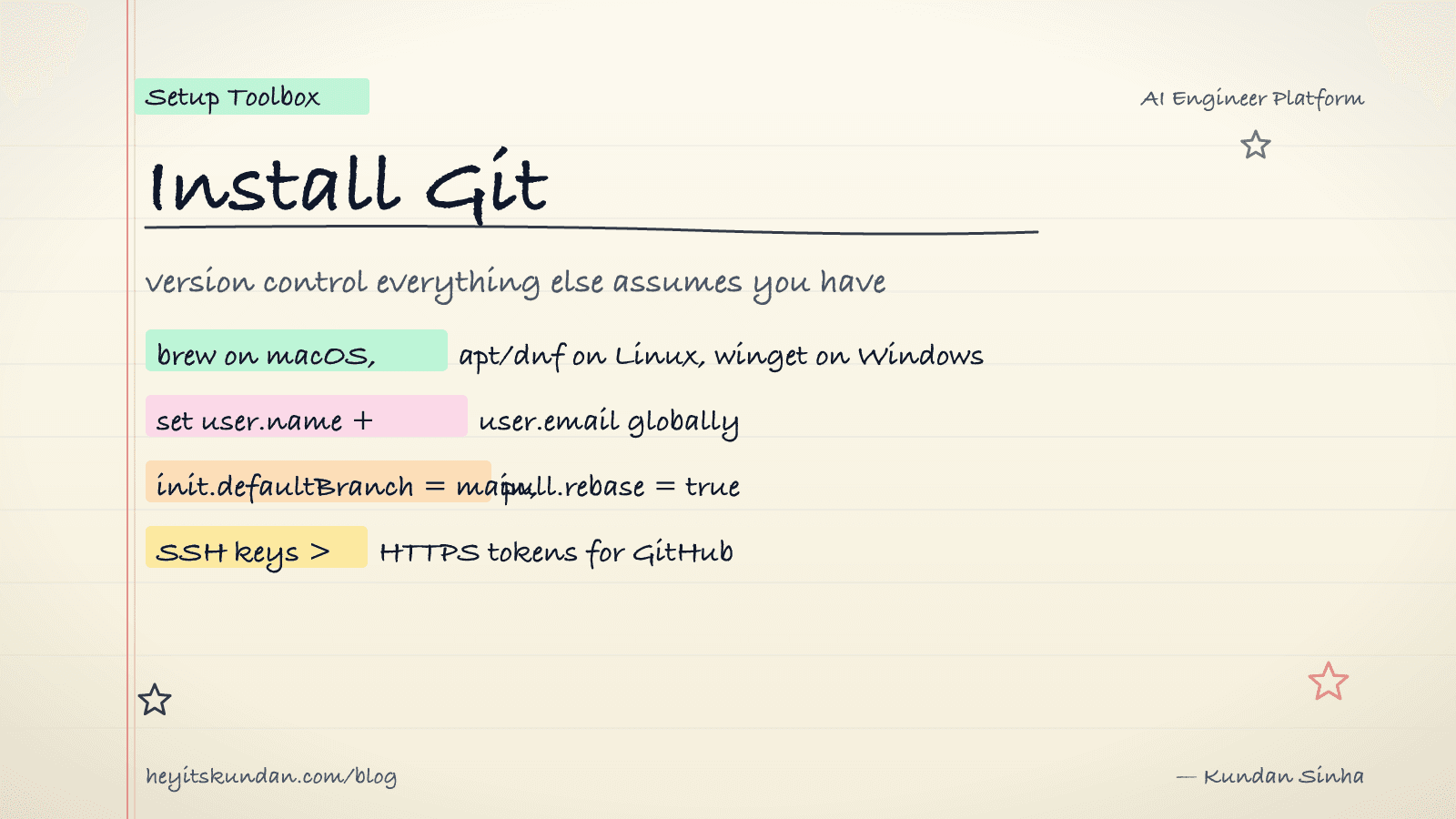
Install Git on macOS, Linux, and Windows, set your name and email so commits get attributed to you, and confirm it all worked in one command.
Every other tool on this blog assumes you already have Git. So we start here.
This is post 2 of 10 in the Setup Toolbox series. Without Git you can't clone a repo, can't build most dev libraries from source, and can't push a single line to open source. It's the prerequisite, so it goes near the front.
macOS
Easiest path is Homebrew. macOS also ships a git shim that nags you to install the Xcode Command Line Tools, and that works fine, but the brew build updates faster.
# install git via homebrew

brew install git
No Homebrew yet? See Install Homebrew.
Linux
Reach for your system package manager.
# install git on debian / ubuntu

sudo apt update && sudo apt install git
# install git on fedora / rhel

sudo dnf install git
# install git on arch

sudo pacman -S git
Windows
Grab Git for Windows from git-scm.com/download/win. The installer bundles Git Bash, which is the bit you want. The Windows command prompt and Git don't get along, and Git Bash hands you a proper Unix-style shell instead.
Prefer the command line? Use winget.
# install git via winget on windows

winget install --id Git.Git -e --source winget
Configure your identity
Git won't commit a thing until it knows who you are. Set your name and email globally, using the same email you use on GitHub.
# set your name globally

git config --global user.name "Your Name"
# set your email globally

git config --global user.email "you@example.com"
I also flip on a couple of defaults that save grief later.
# default branch name on new repos

git config --global init.defaultBranch main
# rebase by default on pull, no merge commits

git config --global pull.rebase true
Verify
# print git version

git --version
You want to see git version 2.40+ or higher. Older builds miss features like sparse-checkout and partial-clone that some tutorials lean on.
Common gotchas
- HTTPS vs SSH for GitHub: HTTPS asks for a token on every push, SSH uses a key. For any repo you'll push to more than once, set up SSH keys. Run
ssh-keygen -t ed25519 -C "you@example.com", then add the public key to GitHub. - Line endings on Windows: Git on Windows can rewrite line endings (CRLF and LF) on checkout. For cross-platform projects, set
git config --global core.autocrlf input. - First push fails with "refusing to merge unrelated histories": usually means you ran init both locally and on GitHub. Run
git pull --allow-unrelated-histories origin mainonce, then carry on as normal.
Git installed, identity set. You're ready to clone any repo and run any tool that builds from source. Next up in the series: the package manager that half these commands quietly assume.
Rate this article
How helpful did you find this?
- 01
Install Homebrew
February 15, 2026
- 02
Install Git
February 16, 2026
- 03
Install Node.js and npm without future regret
February 17, 2026
- 04
Install Python the right way, with uv
February 18, 2026
- 05
Install Docker
February 19, 2026
- 06
Install Ollama
February 20, 2026
- 07
Install llama.cpp
February 21, 2026
- 08
Install LM Studio
February 22, 2026
- 09
Install the Anthropic SDK
February 23, 2026
- 10
Install the OpenAI SDK
February 23, 2026
Newsletter
Get new articles in your inbox
AI engineering, LLM systems, and software architecture — no filler.
No spam. Unsubscribe any time.
Discussion
Comments
Leave a note about the article, architecture choices, or what you would build next.
Loading comments...