Install Python the right way, with uv
Leave system Python alone. Install uv, then let it handle Python versions and per-project virtual envs from one fast binary.
The Python that came with your Mac is a trap. It belongs to the OS, and the first time you pip install against it you start a slow countdown to breaking something the system depends on. Don't touch it.
This is post 4 of 10 in the Setup Toolbox series. The fix is uv. It installs Python versions on demand, manages a virtual env per project, and quietly replaces pip, pip-tools, pyenv, virtualenv, and poetry with one binary written in Rust. Here's how to get it, and then how to get Python through it.
macOS and Linux
The official installer is one shell command. It drops uv into ~/.local/bin.
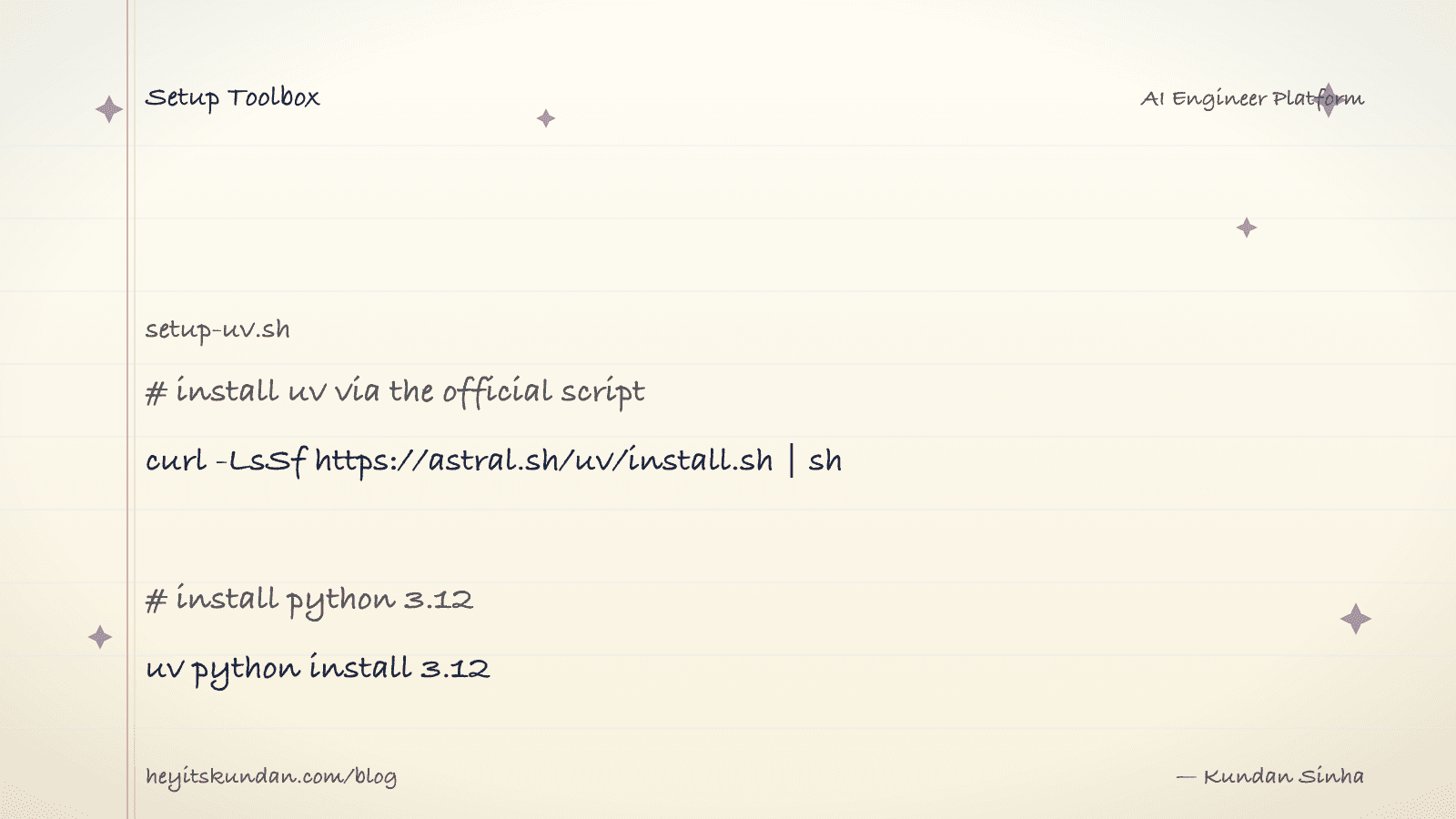
# install uv via the official script

curl -LsSf https://astral.sh/uv/install.sh | sh
On macOS you can also use Homebrew:
# install uv via homebrew

brew install uv
Don't have Homebrew yet? See Install Homebrew.
Windows
PowerShell installer or winget, your pick.
# install uv via the official script on windows

powershell -ExecutionPolicy ByPass -c "irm https://astral.sh/uv/install.ps1 | iex"
# install uv via winget

winget install --id=astral-sh.uv -e
Let uv install Python, not you
Don't brew install python and don't download the official .pkg. Let uv own Python versions the way fnm owns Node versions.
# list python versions uv can install

uv python list
# install python 3.12

uv python install 3.12
Starting something new? Pin the version into a project:
# create a project with python 3.12

uv init my-project --python 3.12 && cd my-project
# add a dependency, like the anthropic sdk

uv add anthropic
That writes a pyproject.toml and a lockfile, and creates .venv/ for you. To run code inside the env:
# run a script using the project's venv

uv run python script.py
Verify
# check uv version and installed pythons

uv --version && uv python list --only-installed
You should see uv 0.4+ and at least one Python listed.
Common gotchas
- Don't mix
pip installanduv add: pick one per project.uv addwrites topyproject.toml;pip installdoesn't, so anything you install that way vanishes on a clean rebuild. - Global tools: install command-line Python tools with
uv tool install <pkg>(e.g.ruff,pre-commit). It puts them on PATH without polluting any project venv. - Activating venvs: you usually don't need to.
uv runhandles it. If some tool insists onsource .venv/bin/activate, that still works. requirements.txtprojects:uv pip install -r requirements.txtis a drop-in for legacy projects you're not ready to migrate yet.
With uv installed you can close every other Python install guide on the internet. uv python install <version> covers all of them.
Rate this article
How helpful did you find this?
- 01
Install Homebrew
February 15, 2026
- 02
Install Git
February 16, 2026
- 03
Install Node.js and npm without future regret
February 17, 2026
- 04
Install Python the right way, with uv
February 18, 2026
- 05
Install Docker
February 19, 2026
- 06
Install Ollama
February 20, 2026
- 07
Install llama.cpp
February 21, 2026
- 08
Install LM Studio
February 22, 2026
- 09
Install the Anthropic SDK
February 23, 2026
- 10
Install the OpenAI SDK
February 23, 2026
Newsletter
Get new articles in your inbox
AI engineering, LLM systems, and software architecture — no filler.
No spam. Unsubscribe any time.
Discussion
Comments
Leave a note about the article, architecture choices, or what you would build next.
Loading comments...