Install llama.cpp
Build llama.cpp from source with Metal or CUDA, then run a GGUF model with llama-cli. The closest thing to bare-metal local inference.
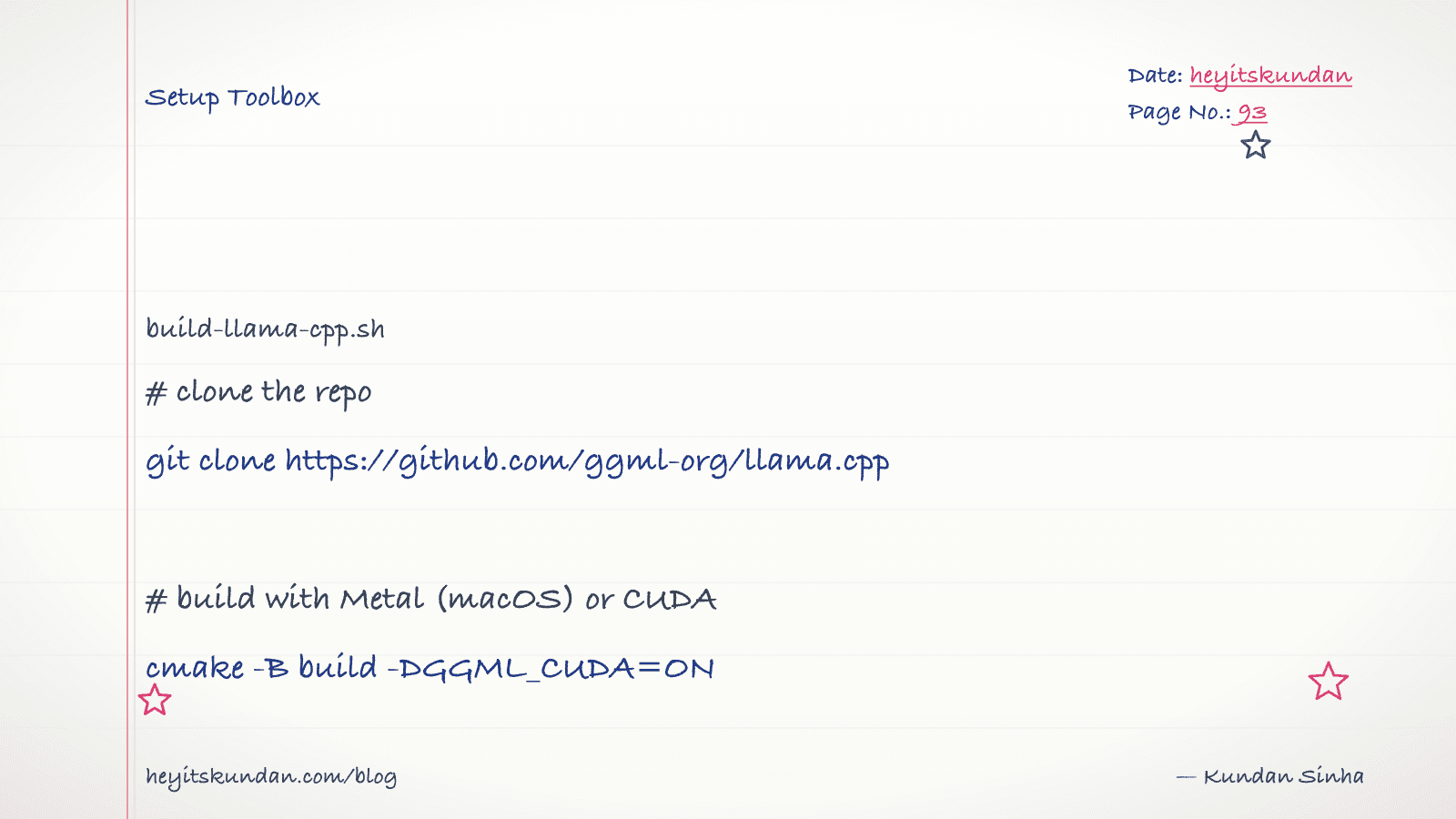
Every local-LLM tool you've installed so far is, underneath, this one. llama.cpp is the C++ inference engine that powers most of the stack, Ollama and LM Studio included.
This is post 7 of 10 in the Setup Toolbox series. You'd install llama.cpp directly when you want fine control over build flags (Metal, CUDA, BLAS), need the latest commits before Ollama bumps, or want to serve raw GGUF files with no wrapper in the way.
We build from source here. There's a Homebrew formula too (brew install llama.cpp). Use that if you don't care about custom build flags.
Clone and build (macOS, Linux)
You need git, cmake, and a C++ compiler. On macOS the Xcode Command Line Tools cover the compiler.
No Git yet? See Install Git. For cmake, install via Homebrew on macOS or your distro's package manager on Linux.
# install build tools on macos

brew install cmake
# install build tools on debian/ubuntu

sudo apt install build-essential cmake
Clone the repo and build with the right backend:
# clone llama.cpp

git clone https://github.com/ggml-org/llama.cpp && cd llama.cpp
On Apple Silicon, Metal is on by default. No flags needed.
# build with metal on apple silicon

cmake -B build && cmake --build build --config Release -j
On Linux with an NVIDIA GPU, enable CUDA:
# build with cuda on linux

cmake -B build -DGGML_CUDA=ON && cmake --build build --config Release -j
Binaries land in build/bin/. The two you'll reach for most are llama-cli (interactive) and llama-server (HTTP server).
Windows
Windows builds work via Visual Studio's MSVC toolchain, but the path of least resistance is WSL2 plus the Linux instructions above. If you must build native, install Visual Studio with the C++ workload, then run the same cmake commands from a Developer Command Prompt.
Get a model (GGUF)
llama.cpp uses GGUF, a single-file format holding quantized weights. Pull one from Hugging Face. I keep mine in ~/models/:
# create a models dir and download a gguf file

mkdir -p ~/models && curl -L -o ~/models/qwen2.5-7b-instruct-q4_k_m.gguf https://huggingface.co/Qwen/Qwen2.5-7B-Instruct-GGUF/resolve/main/qwen2.5-7b-instruct-q4_k_m.gguf
Run a model
# chat with the model interactively

./build/bin/llama-cli -m ~/models/qwen2.5-7b-instruct-q4_k_m.gguf -p "hello" -cnv
For an HTTP server (OpenAI-compatible API):
# serve the model on port 8080

./build/bin/llama-server -m ~/models/qwen2.5-7b-instruct-q4_k_m.gguf --port 8080
Verify
# print llama-cli help to confirm the build worked

./build/bin/llama-cli --help | head
You should see a long flag list. If the binary isn't there, the build failed silently. Re-run cmake --build build and read the error.
Common gotchas
- Metal vs CPU on macOS: by default it uses Metal. Confirm with the startup log line
ggml_metal_init. If it falls back to CPU, your build picked up the wrong path. Rebuild from a clean clone. - CUDA out of memory: each layer offloaded to GPU costs VRAM. Reduce with
-ngl <n>(number of layers);-ngl 0is CPU-only. - Quant naming:
Q4_K_Mis the medium-balanced 4-bit.Q5_K_Mtrades 20% size for about half the perplexity loss.Q8_0is near-lossless. Stay belowQ3only if you're VRAM-bound. - Where to put GGUFs: convention is
~/models/. Ollama stores its own copies under~/.ollama/models/blobs/. Unrelated, so don't try to share them.
With llama-cli running you've got the rawest local-LLM setup there is. Every higher-level tool in this series is a wrapper around what you just built by hand.
From the dictionary
Terms used in this post
Quick reference for the 13 terms you met above. Each one comes from the AI dictionary.
- APIGeneral
- Application Programming Interface. In LLM context: the HTTP endpoint a hosted model exposes (api.openai.com, api.anthropic.com). You send JSON, you get tokens back. The cloud-inference contract.
- GGUFML
- GPT-Generated Unified Format. A single-file binary format for storing quantized model weights, tokenizer, and metadata. Used by llama.cpp, Ollama, and LM Studio. A 7B model in Q4 quantization is roughly 4GB; the same model in Q8 is roughly 8GB.
- GPUGeneral
- A chip built for massive parallel arithmetic. The reason deep learning took off in the 2010s — GPUs make matrix multiplication fast enough to train deep networks in days instead of years. Nvidia dominates the market.
- InferenceML
- Running a trained model on a new input to produce an output. A single forward pass through the network with frozen weights. Much cheaper than training, which is why every LLM API exists.
- llama.cppAI
- A C++ implementation of LLM inference designed to run quantized models on consumer hardware (CPU, CUDA, Metal, Vulkan). The de-facto local inference engine that Ollama and LM Studio both wrap. Supports GGUF format, has a built-in HTTP server, and is the reference for what local LLMs can actually do.
- Large Language ModelAI
- A deep-learning model trained on huge volumes of text to predict the next token given the previous ones. Scaling next-token prediction to billions of parameters yields the chat-like behaviour of ChatGPT, Claude, and Gemini. Capabilities are bounded by training data and the context window.
- e.g. Claude is an LLM — it reads your message as tokens and generates a response one token at a time.
- LM StudioAI
- A GUI app for running local LLMs, wrapping llama.cpp with a chat interface and a model browser. Easier than Ollama for non-CLI users; same underlying engine. Useful for quick model evaluation; less useful for scripting or production-style workflows.
- LossML
- A number that measures how wrong the models prediction is, compared to the truth. Training is the process of changing weights so this number goes down.
- OllamaAI
- A wrapper around llama.cpp that makes running local LLMs a one-command operation. Pulls quantized GGUF models from a registry, exposes an HTTP API on localhost:11434, and handles model loading/unloading. The most common on-ramp to local inference in 2026.
- PromptNLP
- The text you send to an LLM. Includes any system prompt, conversation history, retrieved context, and your actual question. The prompt is the only thing you can change without retraining.
- QuantizationML
- Compressing model weights from 16-bit floats (FP16) to lower-precision integers (Q8, Q5, Q4) to reduce memory footprint and speed up inference. Q4 cuts size by ~4x with minor quality loss; Q2 saves more but degrades noticeably. The standard trick that makes 70B models fit on consumer hardware.
- VRAMGeneral
- Video RAM on a discrete GPU. The hard ceiling on which models you can run: an RTX 4090 has 24GB, an A100 has 40-80GB, an H100 has 80GB. A 70B Q4 model needs ~40GB just for weights, before activations and KV cache. On Apple Silicon, unified memory plays the same role.
- WeightsML
- The numbers inside a trained model. They start out random and get adjusted during training until they encode the patterns in the data. "Open weights" means the trained numbers are downloadable; it does not mean the training data or code is open.
Rate this article
How helpful did you find this?
- 01
Install Homebrew
February 15, 2026
- 02
Install Git
February 16, 2026
- 03
Install Node.js and npm without future regret
February 17, 2026
- 04
Install Python the right way, with uv
February 18, 2026
- 05
Install Docker
February 19, 2026
- 06
Install Ollama
February 20, 2026
- 07
Install llama.cpp
February 21, 2026
- 08
Install LM Studio
February 22, 2026
- 09
Install the Anthropic SDK
February 23, 2026
- 10
Install the OpenAI SDK
February 23, 2026
Newsletter
Get new articles in your inbox
AI engineering, LLM systems, and software architecture — no filler.
No spam. Unsubscribe any time.
Discussion
Comments
Leave a note about the article, architecture choices, or what you would build next.
Loading comments...