Install the OpenAI SDK
Install the OpenAI SDK for Python and Node, set your API key, and prove it works with a one-line chat call.
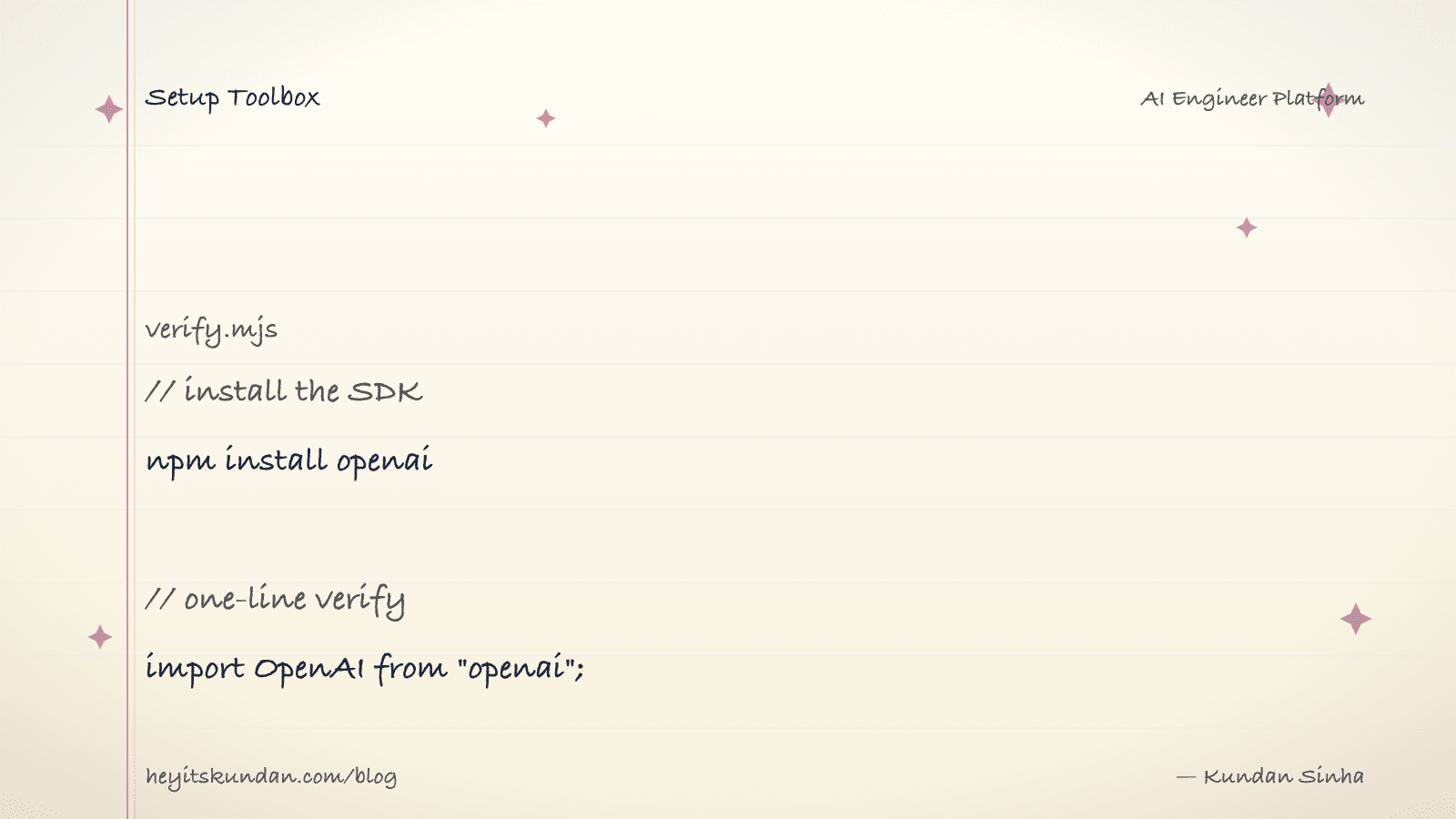
Here's the trick nobody tells you on day one: the OpenAI SDK isn't just for OpenAI. It's the official client for the OpenAI API, sure, published for Python (openai) and Node (openai) with the same surface. But Ollama, LM Studio, vLLM, Together, Groq, and a pile of others all speak OpenAI-compatible. Learn this one SDK and you can talk to most of them, even if you never pay OpenAI a cent.
This is post 10 of 10 in the Setup Toolbox series, and the last one. We'll install both clients and verify each with a single call.
You'll need an API key from platform.openai.com. New accounts get a small credit, then it's pay-as-you-go.
Python
Install via uv inside a project:
# add the openai sdk to your project

uv add openai
For a one-off without a project:
# run a script with the sdk available

uv run --with openai python -c "from openai import OpenAI; print(OpenAI().chat.completions.create(model='gpt-4o-mini', messages=[{'role':'user','content':'hi'}]).choices[0].message.content)"
Stuck on pip in a legacy project? pip install openai works fine.
Node
Install via npm inside a project:
# add the openai sdk to your project

npm install openai
pnpm and yarn behave the same way.
Configure the API key
The SDK reads OPENAI_API_KEY from the environment. Don't hardcode it. For dev, use .env (and .gitignore it):
# create .env with your api key

echo 'OPENAI_API_KEY=sk-...' >> .env
In production, reach for a secret manager. Same advice as any other API key.
Verify (Python)
# verify python sdk with a one-line call

from openai import OpenAI; print(OpenAI().chat.completions.create(model="gpt-4o-mini", messages=[{"role":"user","content":"hi"}]).choices[0].message.content)
Save to verify.py, then uv run python verify.py.
Verify (Node)
// verify node sdk with a one-line call

import OpenAI from "openai"; const r = await new OpenAI().chat.completions.create({ model: "gpt-4o-mini", messages: [{ role: "user", content: "hi" }] }); console.log(r.choices[0].message.content);
Save to verify.mjs, then node verify.mjs.
Pointing the SDK at a different provider
Want to run this against Ollama, LM Studio, or any OpenAI-compatible endpoint? Override base_url (Python) or baseURL (Node) and pass any string as the API key:
# point the openai sdk at a local ollama server

from openai import OpenAI; client = OpenAI(base_url="http://localhost:11434/v1", api_key="ollama")
See Install Ollama or Install LM Studio for the local server side.
Common gotchas
- Wrong env var name: it's
OPENAI_API_KEY, exactly. Some old tutorials useOPENAI_KEY, which won't work. chat.completionsvsresponses: OpenAI now has two endpoints.chat.completionsis the older, broader one most code uses.responsesis newer and tool-use-first. Pick one per project, don't mix.- Model name drift: OpenAI deprecates models on a schedule.
gpt-4o-miniis currently the cheapest reasonable default, but check the docs before pinning. - Rate limits by tier: free credits put you on tier 1, with low RPM/TPM caps. Tight loops trip them. Use exponential backoff, or batch big jobs through the Batch API (cheaper too).
- Streaming:
.stream=True(Python) or.stream: true(Node) hands you an iterable of chunks instead of one response.
Once verify.py or verify.mjs prints a reply, you're set. You can call OpenAI, or any of the dozens of compatible providers, from the exact same code.
That's the toolbox done. Everything's installed and proven. Now go use it: the Local LLMs series is the hands-on track where you point all this at a model running on your own machine.
From the dictionary
Terms used in this post
Quick reference for the 4 terms you met above. Each one comes from the AI dictionary.
- APIGeneral
- Application Programming Interface. In LLM context: the HTTP endpoint a hosted model exposes (api.openai.com, api.anthropic.com). You send JSON, you get tokens back. The cloud-inference contract.
- LM StudioAI
- A GUI app for running local LLMs, wrapping llama.cpp with a chat interface and a model browser. Easier than Ollama for non-CLI users; same underlying engine. Useful for quick model evaluation; less useful for scripting or production-style workflows.
- ModelML
- In ML, a model is a file of learned numbers (parameters or weights) plus an architecture that tells the program how to use them. Loading a model means reading those numbers; running it means doing arithmetic with them.
- OllamaAI
- A wrapper around llama.cpp that makes running local LLMs a one-command operation. Pulls quantized GGUF models from a registry, exposes an HTTP API on localhost:11434, and handles model loading/unloading. The most common on-ramp to local inference in 2026.
Rate this article
How helpful did you find this?
- 01
Install Homebrew
February 15, 2026
- 02
Install Git
February 16, 2026
- 03
Install Node.js and npm without future regret
February 17, 2026
- 04
Install Python the right way, with uv
February 18, 2026
- 05
Install Docker
February 19, 2026
- 06
Install Ollama
February 20, 2026
- 07
Install llama.cpp
February 21, 2026
- 08
Install LM Studio
February 22, 2026
- 09
Install the Anthropic SDK
February 23, 2026
- 10
Install the OpenAI SDK
February 23, 2026
Newsletter
Get new articles in your inbox
AI engineering, LLM systems, and software architecture — no filler.
No spam. Unsubscribe any time.
Discussion
Comments
Leave a note about the article, architecture choices, or what you would build next.
Loading comments...